




Counting inventory by hand still eats hours every week in warehouses that could be running on autopilot. RFID inventory management fixes that.
It uses radio waves to read tags automatically, so stock levels update without anyone scanning a single item by hand.
The setup decision that matters most happens before software ever enters the picture. Matching the right tag and reader to the job comes first, and getting that part right is what makes the rest of the rollout go smoothly.
This guide covers exactly that. You’ll see how RFID scans hundreds of items in seconds, how it compares to barcodes, what real installations cost, and how to pick a vendor without overpaying.
How does RFID Inventory Management Work?
RFID inventory management uses tags, readers, and software to track products, pallets, or equipment.
Each item receives an RFID tag with a unique number linked to its record. Fixed readers near doors or loading areas detect tagged items as they move.
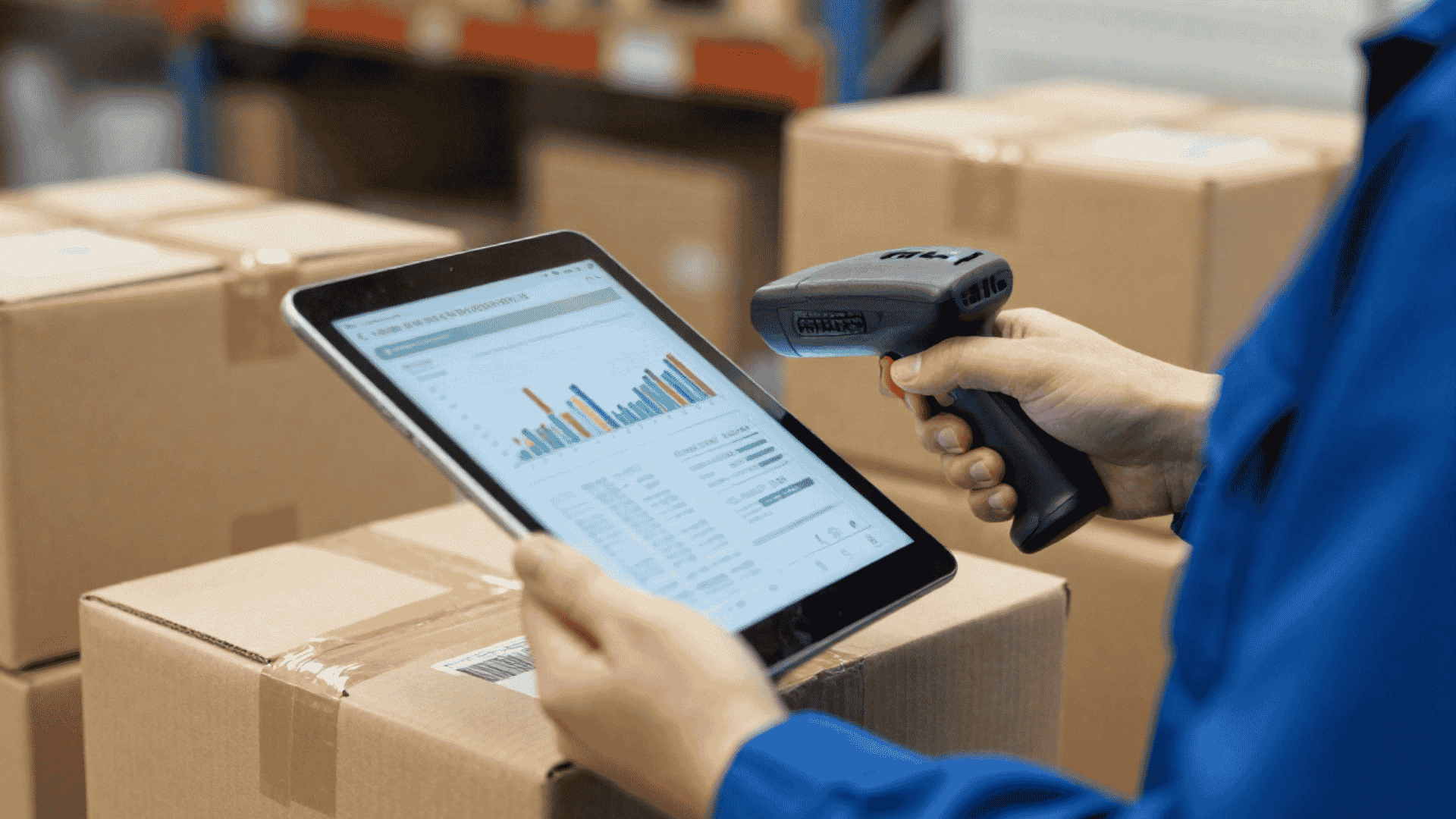
Handheld readers help staff count stock, locate missing items, and check storage areas without scanning each label separately.
The software receives tag data updates, quantities, records, locations, and stores movement history in real time.
It can also send low stock alerts, flag unexpected movements, and create reports for purchasing, audits, and planning.
Because RFID does not require direct line of sight, it can scan many items at once, making inventory checks faster, more accurate, and less dependent on manual work.
Benefits of RFID Inventory Management Software
RFID brings real wins for warehouses and retail stores. Here is what businesses actually see:
- Faster Counting: RFID scans hundreds of items in seconds and can reduce an eight-hour inventory count to about thirty minutes.
- Higher Accuracy: RFID reads every tag within range and can improve inventory accuracy to 99 percent or more.
- Lower Labor Costs: Staff does not need to scan each item manually, which reduces counting time and ongoing labor expenses.
- Real-Time Visibility: Employees can quickly check where an item is stored using the RFID dashboard.
- Fewer Stockouts: Live inventory data helps businesses reorder products before supplies run out.
- Better Security: RFID gates and tracking systems help reduce theft, misplaced products, and missing equipment.
- Less Waste: RFID tracks expiration dates so products nearing expiry can be sold or used first.
Common RFID Problems and How to Fix Them
Like any technology, RFID is not perfect, and understanding common issues can help you avoid costly mistakes.
| Challenge | What Happens | How to Fix It |
|---|---|---|
| Tag Cost Is Too High | RFID tags can become expensive when tagging every item. | Start with high-value items first and order tags in bulk to reduce cost. |
| Metal or Liquid Interference | Metal surfaces and liquid products can weaken RFID signals. | Use on metal or special RFID tags and test them on real items before bulk ordering. |
| Setup Is Complex | Poor reader placement can cause missed scans and delays. | Hire an experienced vendor for the first setup to place and test readers correctly. |
| Staff Resist the Change | Workers may avoid using the new system if it feels hard or unnecessary. | Show how RFID saves time and reward teams that meet accuracy goals. |
| Signal Interference | Wi Fi routers, microwaves, or other devices may block RFID signals. | Test RFID in your actual space and adjust reader power levels before full rollout. |
How to Set Up RFID Tracking Software?
Follow these six steps to get RFID tracking up and running:
Step 1: Tag Your Items
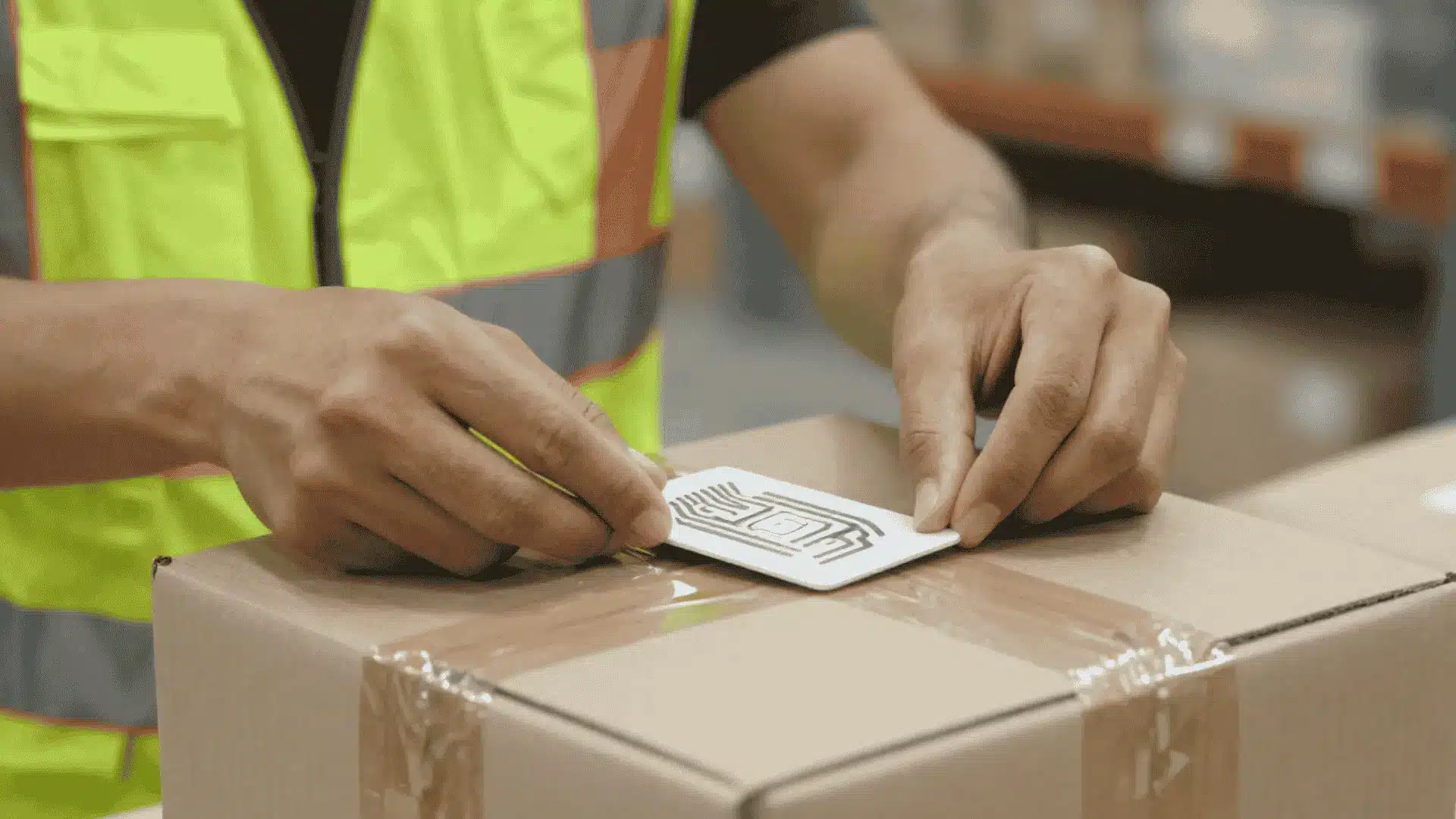
Begin by tagging high-value items before expanding to the full inventory. Test each tag on the actual material because metal and liquid products often need special tag types.
Standard tags usually work on paper, plastic, and wood. Testing first helps confirm read strength, prevent wasted purchases, and reduce setup problems when you order tags in bulk.
Step 2: Install Readers
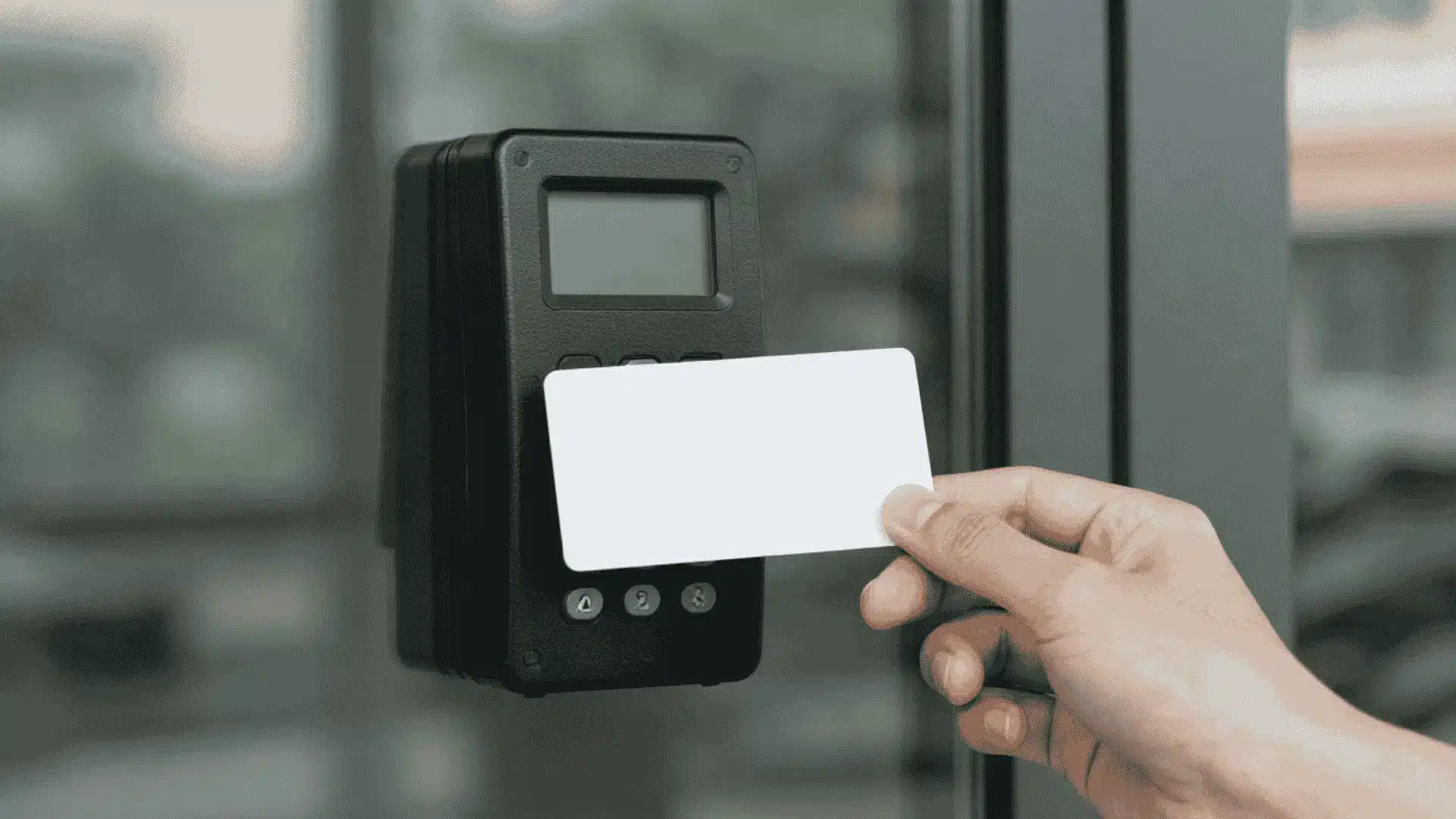
Mount fixed readers above dock doors and near storage aisle entrances where tagged items pass regularly. Test the read range by moving a tagged product through each area. Adjust antenna position and angle until reads stay consistent.
Provide handheld readers to employees responsible for counting stock, checking shelves, and locating items across the facility during daily operations.
Step 3: Set up Your Software

Create individual user accounts and assign permissions based on job roles. Staff members may need access to inventory counts, while managers may need report settings and approval controls.
Configure alerts for low stock, unexpected movements, missed reads, and restricted areas. Clear permissions protect sensitive data and help each employee see only the tools required for their work.
Step 4: Connect to Your ERP

Connect the RFID platform to your warehouse management or ERP system so inventory changes update automatically.
Incoming items should appear in stock while shipped items should be removed. Test the connection with a small group of tagged products before launch.
Confirm quantities, locations, and movement records match across both systems before expanding to full inventory use.
Step 5: Train Your Staff

Train employees before the system goes live. Show them how to operate handheld readers, view counts on the dashboard, report missing tags, and respond to alerts.
Run several practice counts so everyone understands the process. Set clear accuracy goals and use small team rewards to encourage careful scanning, consistent use, and confidence during daily inventory work.
Step 6: Run Regular Cycle Counts

Run weekly cycle counts with handheld readers to keep records accurate. Guided mode can direct employees to specific items while blind mode hides expected quantities and reduces counting bias.
Compare physical results with software records after every count. Investigate differences, identify the cause, and correct tagging placement process or data issues before they grow into larger inventory problems.
RFID Tracking Software Pricing: What Should You Expect?
Costs scale with your operation’s size. Here’s what each tier includes:
| Cost Area | Price Range | Inclusions | Suitability |
|---|---|---|---|
| Small Setup | $5,000–$25,000 | Up to 5,000 items; 2 handheld readers and 500 tags; cloud software at around $10 per user/month; 2–4 week setup | Small stores and single-location warehouses |
| Medium Setup | $25,000–$75,000 | 5,000–50,000 items; 4 fixed readers and 2 handheld readers; 5,000 tags and 1 RFID printer; 4–8 week setup | Growing warehouses |
| Large Enterprise | $75,000–$200,000 | 50,000+ items; 10+ fixed readers and 5+ handheld readers; full software integration; 8–12 week setup | Multi-site companies |
| Cloud Subscription | $10–$50 per user/month | Vendor-hosted platform; updates and security included | Businesses seeking a low upfront cost |
| On-Premise License | $20,000–$100,000 | One-time purchase; full data control; 5–15% annual support fee | Businesses requiring full control |
| Handheld Readers | $500–$2,000 each | Portable RFID scanner | Aisle checks and cycle counts |
| Fixed Readers | $1,000–$5,000 each | Stationary reader for doors, docks and checkpoints | Automated movement tracking |
| RFID Printers | $1,500–$4,000 each | Prints and encodes RFID tags in-house | In-house tag creation |
| Passive Tags | $0.10–$1 each | Lower cost when purchased in bulk | Product, box and pallet tracking |
Pricing varies this much because of a few key factors: how many items you’re tagging, whether you need fixed or handheld readers (or both), tag type (passive tags cost cents, active tags cost dollars), how deep the integration with your ERP or WMS needs to go, and which vendor you choose.
ROI Timeline: Usually, businesses recover their investment in 6–18 months . For example, cutting a 400-hour barcode count down to 20 hours saves about $5,700 a year at $15/hour in labor alone.
Top RFID Vendors You Should Consider
With dozens of RFID platforms available, finding the right one can be challenging. The list below highlights three highly rated solutions, but no software is universally the best choice.
Evaluate your business requirements, budget, and operational needs before making a final decision.
1. TagMatiks
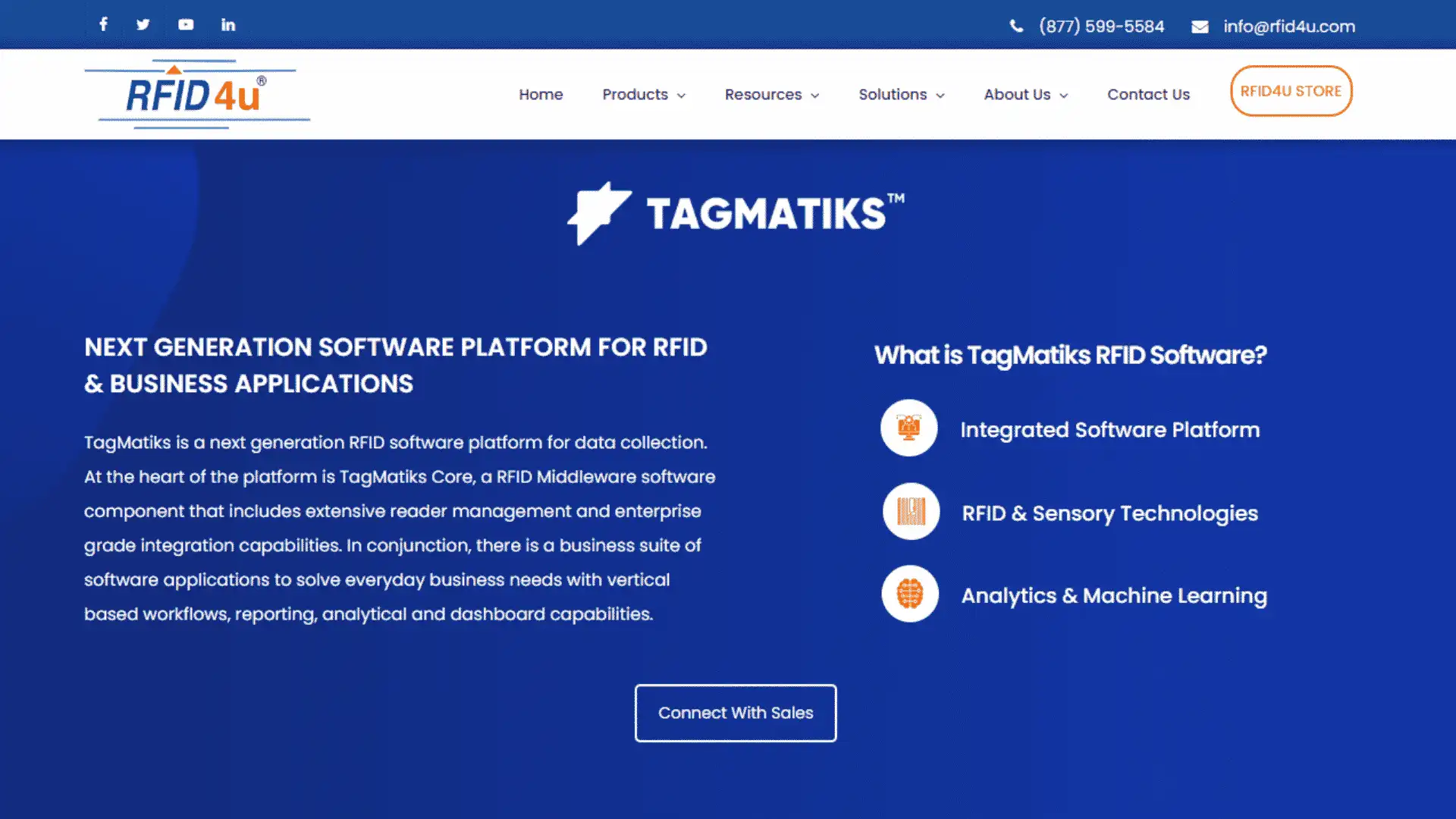
TagMatiks is an RFID platform built for inventory management, asset tracking, and supply-chain operations across industries such as healthcare, manufacturing, and logistics.
According to Gartner Peer Insights, TagMatiks has earned the highest rating from verified users.
- Choose If: You need flexible inventory and asset tracking across multiple locations.
- Avoid If: You only need basic barcode scanning capabilities.
- Rating: 5.0/5
2. Zebra MotionWorks
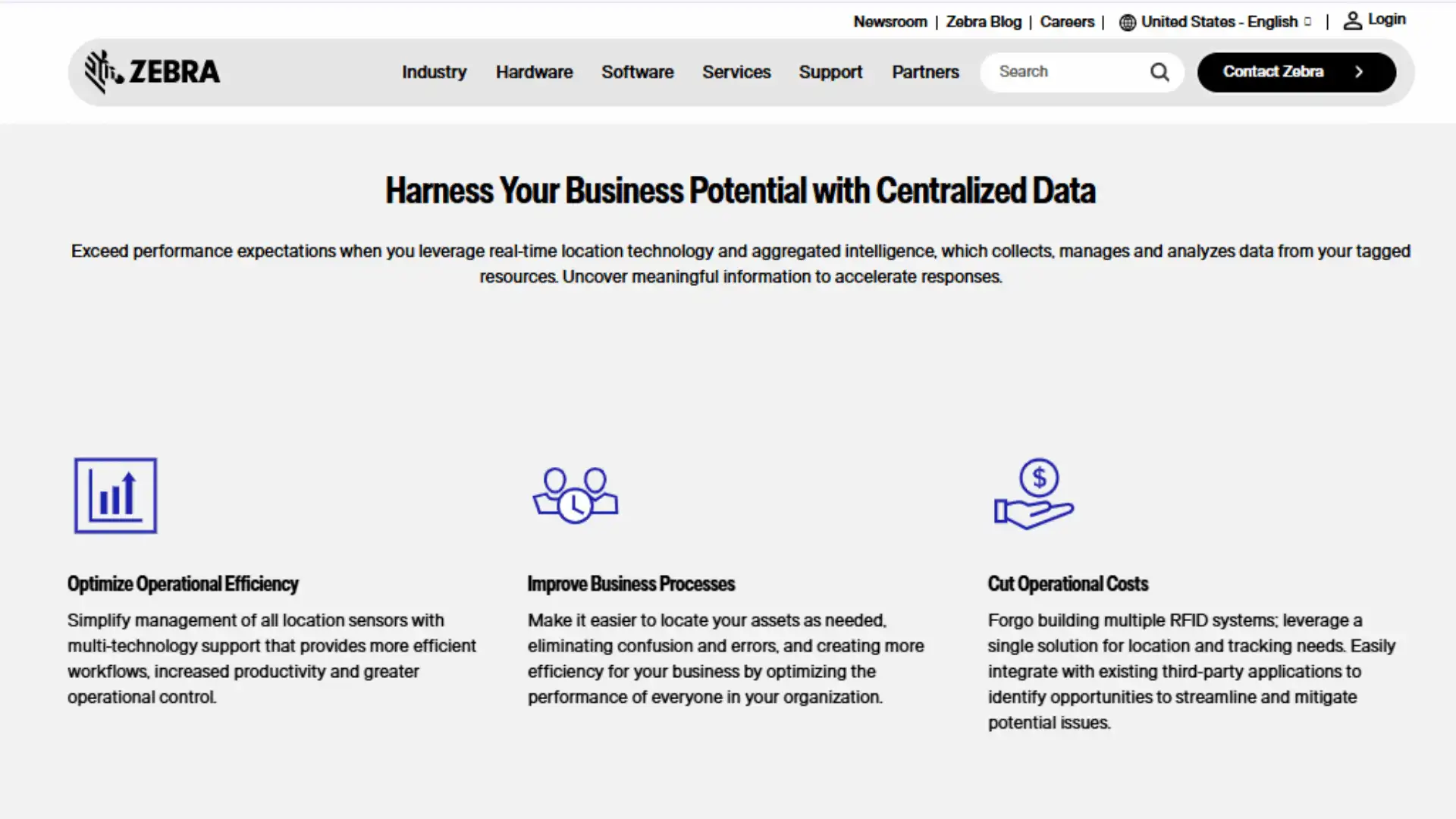
Zebra MotionWorks provides real-time visibility into assets, personnel, and equipment using RFID and other tracking technologies.
- Choose If: You need enterprise-grade asset tracking and analytics.
- Avoid If: You want a lightweight solution with minimal setup.
- Rating: 3.5/5
3. Datascan
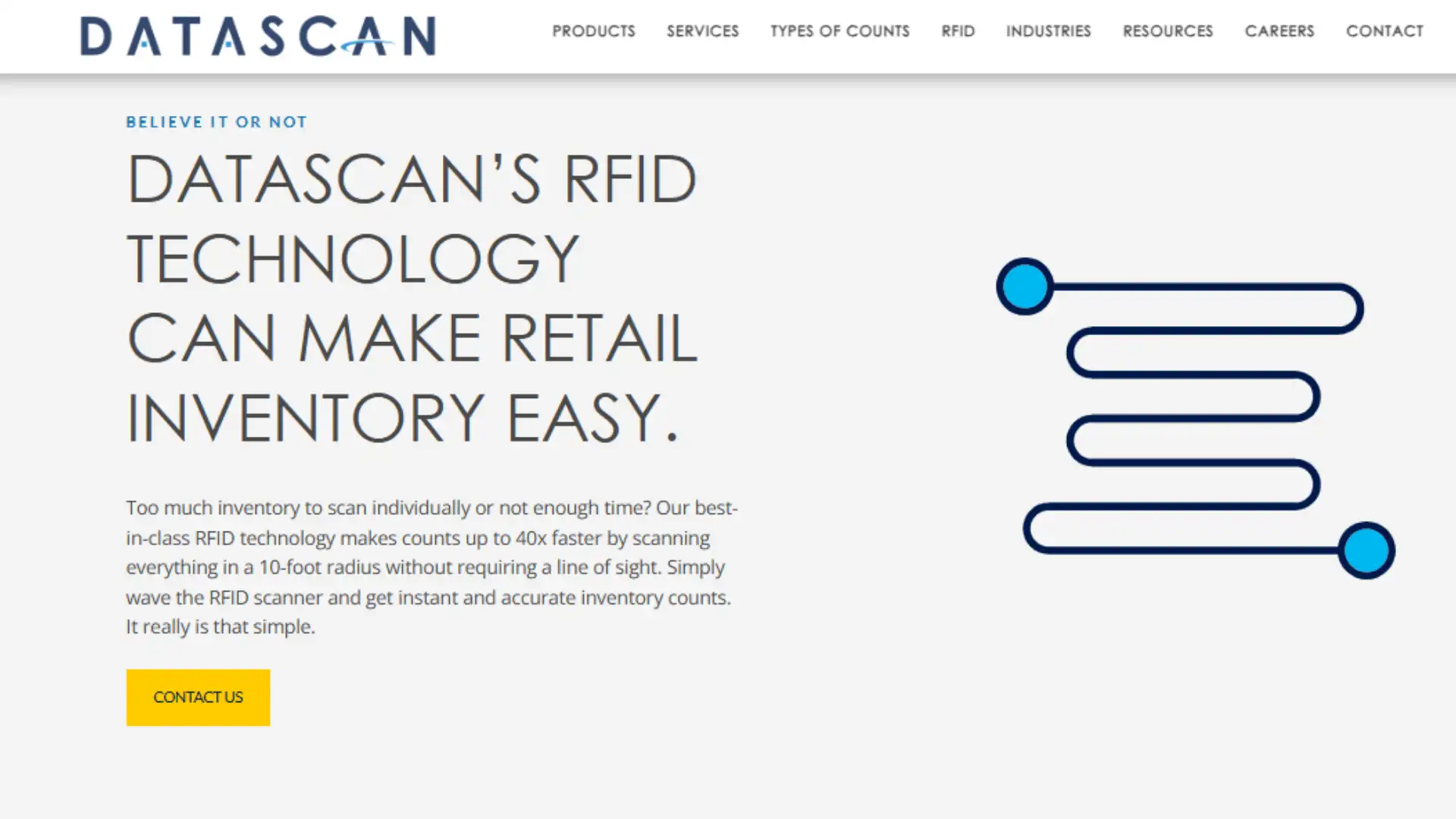
Datascan helps retailers improve inventory accuracy, automate stock counts, and streamline day-to-day store operations.
- Choose If: You run a retail business with large inventories.
- Avoid If: Your company operates outside the retail sector.
- Rating: 4.0/5
Note! Gartner Peer Insights ratings reflect individual user opinions and do not represent an official Gartner endorsement recommendation or guarantee of any listed vendor or product.
Finding the Right RFID Platform for Your Operations
The points below cover the key factors to review before selecting an RFID platform that matches your current operations budget and future growth plans.
- Define Your Business Goal: Decide whether the platform will manage inventory assets, supply chains, or workflow automation so every feature supports a clear operational purpose.
- Check System Integrations: Confirm the software connects smoothly with your ERP, WMS, POS, and other tools so RFID data moves automatically across daily business processes.
- Review Hardware Compatibility: Make sure the platform supports your tags, readers, antennas, printers, handheld devices, and middleware before committing to a full purchase or rollout.
- Compare Essential Features: Look for live tracking alerts, reports, dashboards, audit logs, and customizable workflows that match your staff routines and reporting needs without extra complexity.
- Plan for Future Growth: Choose software that can handle more users, locations, devices, and tagged items without slowing performance or forcing an expensive replacement later.
- Calculate Total Ownership Costs: Compare software fees, hardware installation, training, maintenance, support, upgrades, storage, and future expansion instead of judging options by the starting price.
- Test Before Buying: Request a demo, trial, or pilot, and review vendor experience, support quality, customer feedback, read accuracy, integrations, and ease of use carefully.
RFID vs Barcodes: Which is Better for Inventory?
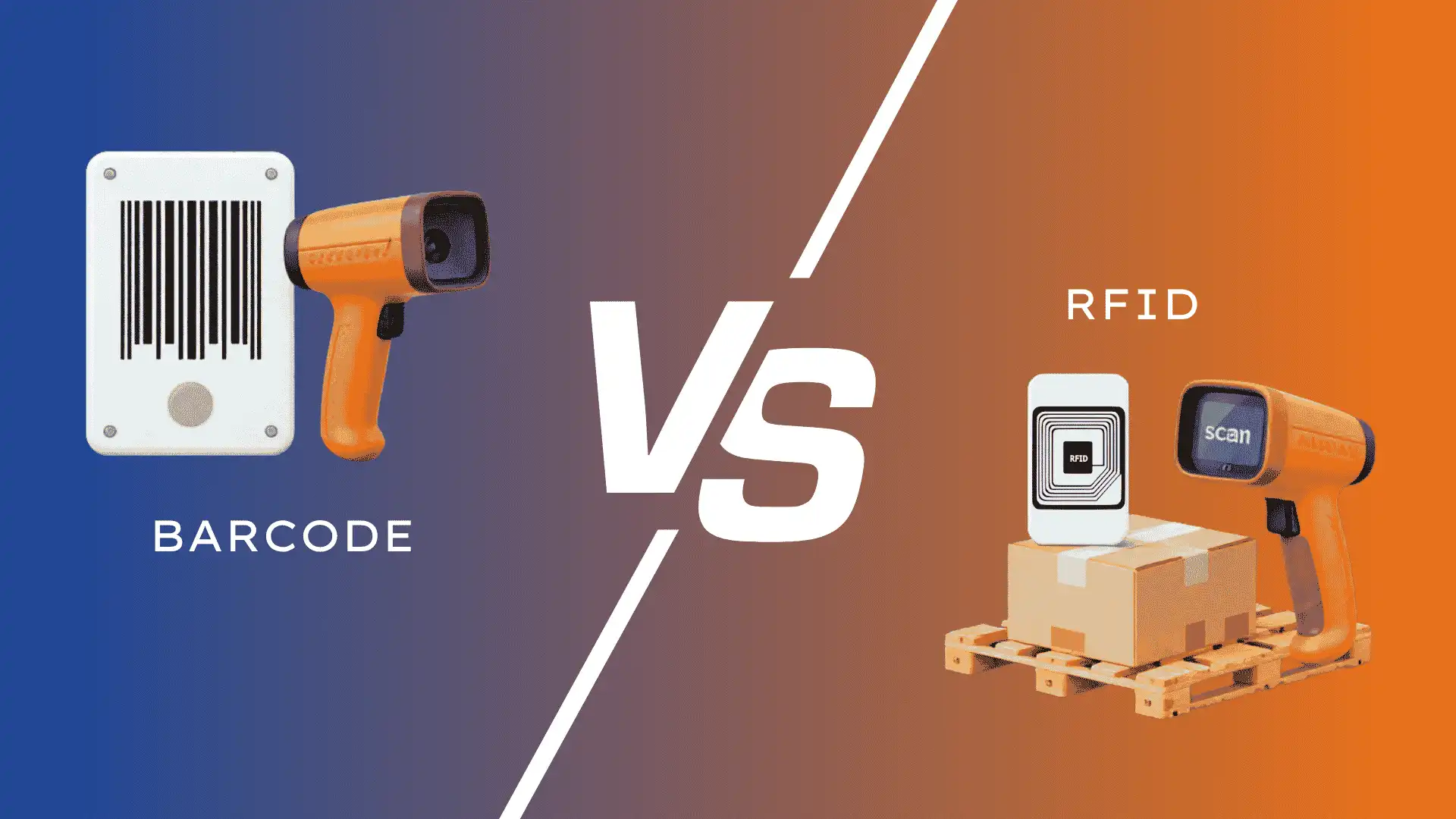
While both technologies help track inventory, they work in different ways and offer different benefits.
| Feature | RFID | Barcodes |
|---|---|---|
| Scan method | Radio waves, no line of sight | Laser needs line of sight |
| Items per scan | Hundreds at once | One at a time |
| Speed | Near instant | Slow and manual |
| Read range | Up to 30 feet | Inches only |
| Accuracy | 99%+ | 80–90% |
| Cost per tag | 10 cents to $1 | Less than 1 cent |
| Labor needed | Low | High |
| Works in dust or water | Yes | Labels fade or tear |
RFID is faster, more accurate, and needs less work. Barcodes still make sense for very small shops with low volume and tight budgets.
The break-even point is usually around 5,000 items. Below that, barcodes cost less. Above that, RFID saves enough labor to pay for itself.
At the End
RFID tracking software uses radio waves to track items and update inventory in real time.
It is faster, more accurate, and requires less labor than barcodes. Costs range from $5,000 for small setups to $200,000 for large systems.
Most teams get RFID inventory management wrong the same way: they tag everything on day one instead of starting with high-value items, and they skip the pilot run.
Start small, measure the count-time savings against your current barcode process, and expand once the numbers hold up.
Request demos from at least three vendors, and run a pilot in one warehouse or one product line before rolling out further.
Frequently Asked Questions
What is RFID Tracking Software Used For?
It uses RFID tags and readers to track inventory movement, update stock levels, reduce manual work, and improve visibility across business locations.
Is RFID Better than Barcodes?
RFID is often better for medium and large businesses because it scans multiple items without direct visibility and supports real-time tracking.
How Long does Setup Take?
Setup usually takes two to four weeks for small businesses, four to eight weeks for medium operations, and up to twelve weeks for large systems.