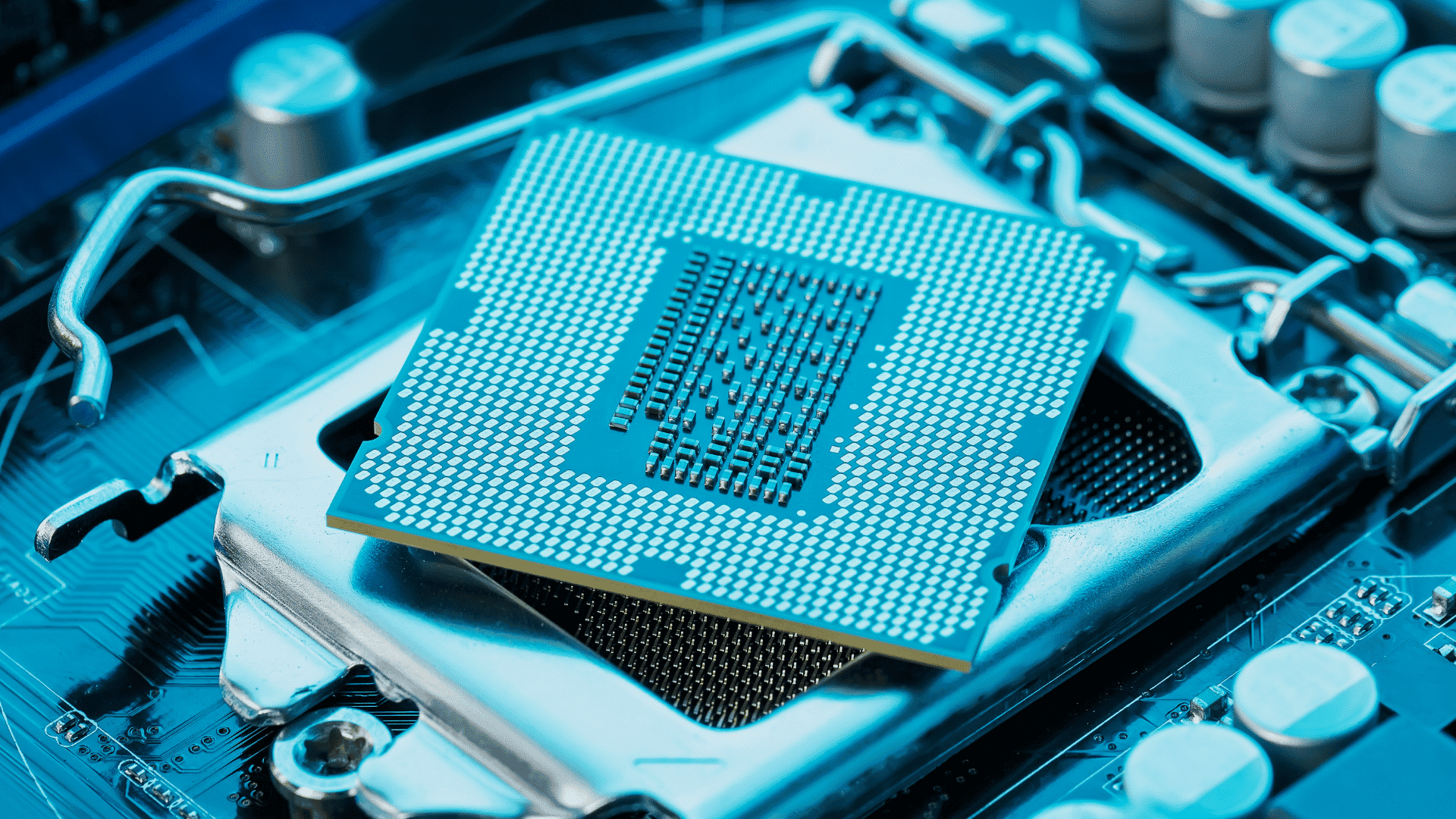





Modern computers can process billions of instructions every second, but they still need a fast way to access the data they use most.
CPU Cache can seem like a technical concept, but it’s easier to understand than it sounds. I’ll explain it in simple terms so you don’t need a technical background to understand it.
Along the way, you’ll see why Cache memory plays such an important role in keeping your computer responsive.
You’ll also learn how L1, L2, and L3 caches work together, what makes each one different, and how they affect everyday tasks like gaming, browsing, and using apps.
By the end, you’ll have a clear understanding of CPU Cache and why it matters when comparing processors.
Quick Answer: What Is a CPU Cache?
A CPU Cache is a small, ultra-fast memory built into the processor that stores frequently used data for quicker access.
Instead of repeatedly retrieving information from slower RAM, the CPU first checks its Cache, helping programs run more efficiently.
Modern processors use multiple Cache levels, such as L1, L2, and L3, to balance speed and storage capacity.
Key Features of Cache Memory
Cache memory includes several characteristics that help the processor access frequently used data quickly and improve overall system efficiency.
- High Speed: Cache provides much faster data access than RAM, allowing the processor to execute instructions with minimal waiting time.
- Small Storage Capacity: Cache stores only the most frequently used data, making it much smaller than system memory while remaining highly efficient.
- Located Close to the CPU: Cache sits inside or very near the processor, reducing the distance data must travel and significantly improving access speed.
- Stores Frequently Used Data: Commonly accessed instructions and data remain in cache, reducing repeated requests to slower system memory during processing.
- Multiple Cache Levels: Modern processors use L1, L2, and L3 caches to balance speed, storage capacity, and overall processing efficiency.
- Automatically Managed: The processor automatically decides which data to store, update, or replace without requiring any user intervention.
- Uses High-Speed SRAM: Cache is built with Static Random Access Memory, which is faster but more expensive than the DRAM used for RAM.
- Improves Overall Performance: Faster access to important data helps applications respond quickly and reduces delays during everyday and demanding computing tasks.
How Does CPU Cache Work?
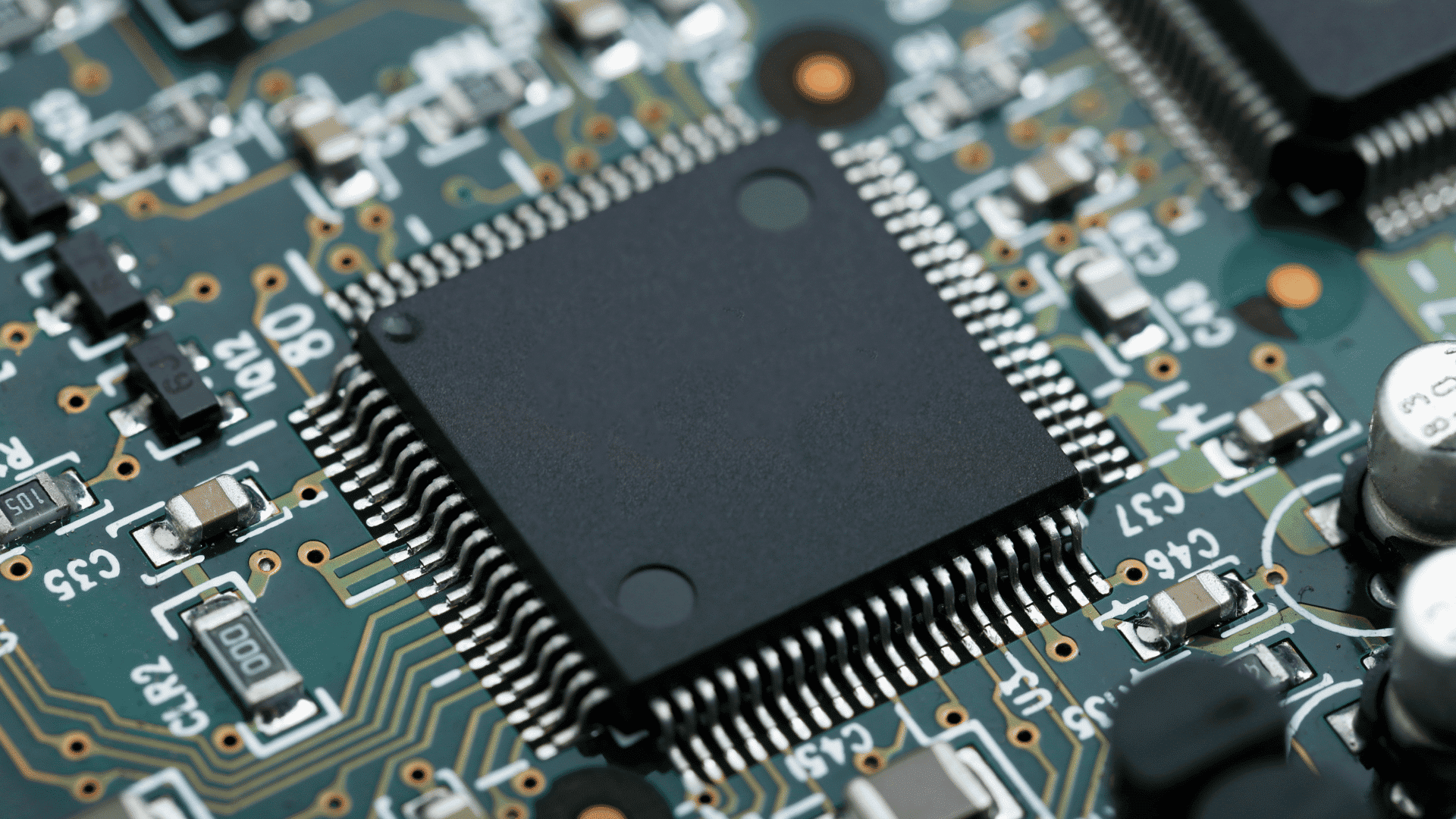
CPU Cache speeds up processing by storing frequently used data close to the processor, reducing the need to access slower system memory.
1. How Data Moves Between Storage, RAM, and the CPU
Data follows a simple path before reaching the processor: SSD or HDD → RAM → CPU Cache → CPU core. Storage devices permanently hold files and programs, while RAM temporarily stores data that is currently in use.
The CPU Cache keeps the most frequently accessed information even closer to the processor for faster retrieval.
Finally, the CPU core uses that data to execute instructions, helping applications run more efficiently.
2. What Happens When the CPU Needs Data
Whenever the CPU needs information, it first checks the fastest Cache level, the L1 Cache.
If the data is unavailable, it searches the L2 and then the L3 cache. Only when the required information is missing from all Cache levels does the processor retrieve it from RAM.
After receiving the data, the CPU often stores a copy in the Cache so repeated requests can be completed much faster in the future.
3. Cache Hit vs. Cache Miss Explained
A Cache hit occurs when the processor finds the requested data in the Cache, allowing it to continue processing with minimal delay.
A Cache miss occurs when the data is not available in the Cache, forcing the CPU to retrieve it from a lower Cache level or RAM.
Since Cache memory is significantly faster than RAM, more Cache hits generally improve responsiveness and overall system performance during everyday and demanding workloads.
4. Visual Example of a Cache Request
Imagine you open a web browser on your computer. The CPU first requests the data needed to launch the application and checks the L1 Cache.
If the information is not in the L1 Cache, it searches the L2 and L3 caches before accessing RAM. Once the required data is found, it is sent to the CPU for processing.
Frequently used data is then stored in the Cache, making future requests much faster and reducing delays while using the same application again.
CPU Cache vs RAM
Although CPU Cache and RAM both store data temporarily, they serve different purposes and operate at different speeds.
| Feature | CPU Cache | RAM |
| Location | Built into or very close to the CPU | Installed on the motherboard |
| Speed | Extremely fast | Fast, but slower than Cache |
| Storage Capacity | Very small (KB to MB) | Much larger (GB) |
| Purpose | Stores frequently used data and instructions | Stores active programs and files |
| Managed By | Automatically managed by the CPU | Managed by the operating system |
| Cost per GB | Very expensive | Much less expensive |
| Access Priority | Checked before RAM | Accessed when data is not in Cache |
How Does Cache Memory Mapping Work?
Cache memory mapping determines where data from main memory is stored inside the CPU Cache for quick future access.
- Maps Memory to Cache Locations: Cache mapping assigns data from RAM to specific Cache locations, allowing the processor to find information efficiently during execution.
- Uses Address Information: The processor uses memory addresses to accurately determine where data should be placed and retrieved within the Cache structure.
- Supports Faster Data Retrieval: Proper mapping helps the CPU locate cached data more quickly, reducing delays from repeated access to slower system memory.
- Direct Mapping: Each memory block is assigned to one fixed Cache location, making the process simple but increasing the chance of conflicts.
- Fully Associative Mapping: Any memory block can be stored in any Cache location, improving flexibility but requiring more complex hardware management.
- Set Associative Mapping: Memory blocks can be placed within a small group of Cache locations, balancing speed, flexibility, and efficient Cache utilization.
- Reduces Cache Conflicts: Effective mapping methods lower the chances of useful data being replaced too often, improving overall processor performance and responsiveness.
Understanding L1 Cache, L2 Cache, and L3 Cache
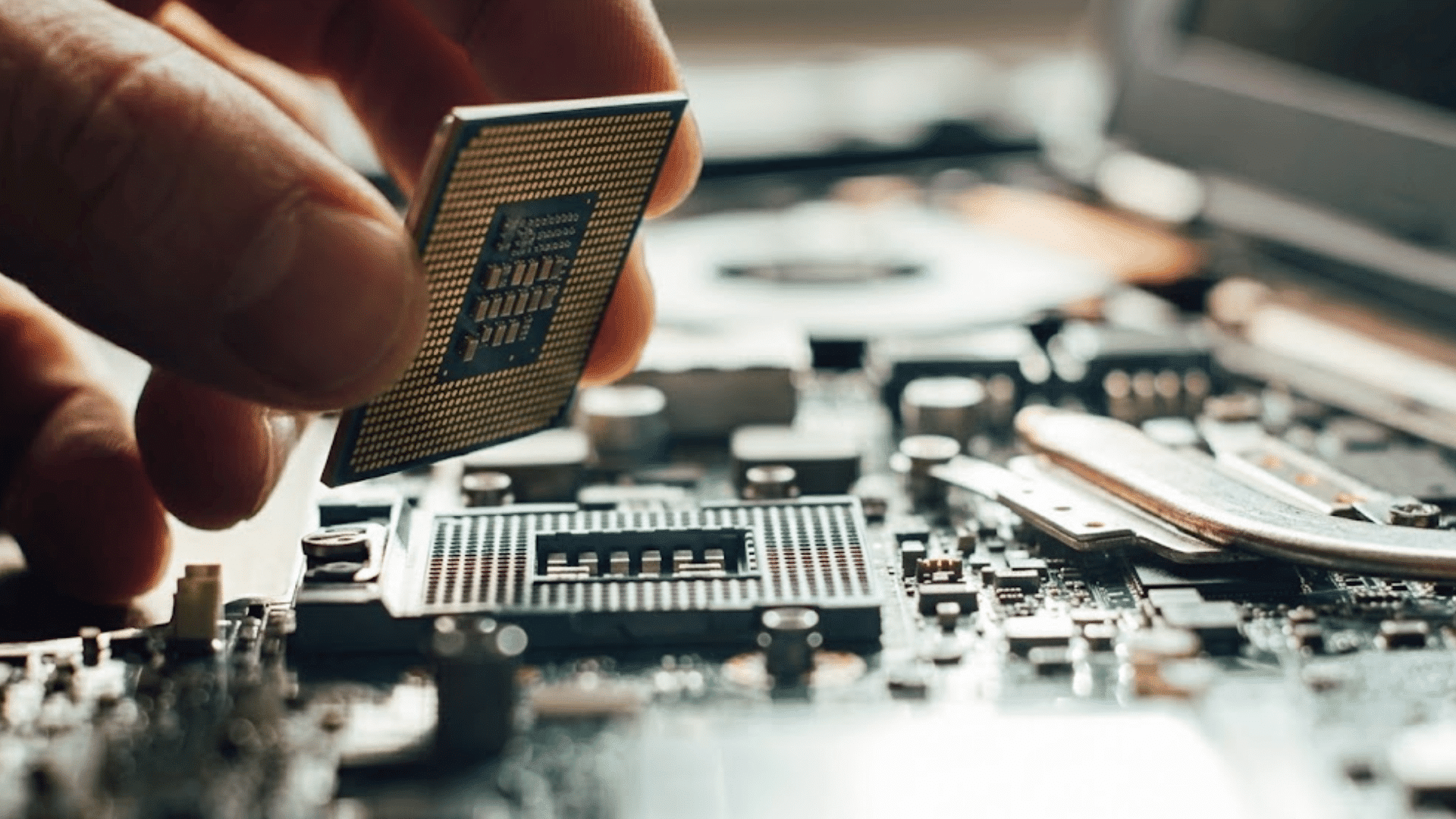
Modern processors use multiple Cache levels to balance speed, storage capacity, and overall performance during different computing tasks.
1. L1 Cache: The Fastest Layer
L1 Cache is the smallest and fastest Cache in a processor.
It is located inside each CPU core, allowing the processor to access frequently used instructions and data with extremely low latency.
Most modern CPUs divide the L1 Cache into separate instruction and data caches to improve efficiency.
Although its capacity is usually limited to a few dozen kilobytes per core, its speed makes it the processor’s first choice whenever data is requested.
2. L2 Cache: Balancing Speed and Capacity
L2 Cache is larger than L1 Cache but slightly slower because it sits one level farther from the CPU core.
It acts as a backup when the required data is unavailable in the L1 Cache.
In many modern processors, each CPU core has its own dedicated L2 Cache, although some designs share a single it Cache among cores.
Its larger capacity allows it to store more frequently accessed information while still providing much faster access than RAM.
3. L3 Cache: Shared Cache for Gaming and Multitasking
L3 Cache is the largest Cache level found in most consumer processors and is commonly shared among all CPU cores.
Although it is slower than L1 and L2 Cache, it remains much faster than system RAM.
The shared design allows multiple processor cores to access commonly used data without repeatedly retrieving it from memory.
This improves efficiency during multitasking, gaming, content creation, and other workloads that use several CPU cores simultaneously.
4. How All Three Cache Levels Work Together
The processor checks its Cache levels in a specific order to retrieve data as quickly as possible.
It first searches the ultra-fast L1 Cache, then the larger L2 Cache, and finally the shared L3 Cache.
If the data is still unavailable, the processor accesses RAM.
This layered memory hierarchy balances speed and storage capacity, helping the CPU reduce delays and maintain smooth performance across a wide range of everyday and demanding applications.
L1 Cache vs L2 Cache vs L3 Cache at a Glance
Each Cache level offers a different balance of speed, capacity, location, and access to CPU cores.
| Feature | L1 Cache | L2 Cache | L3 Cache |
| Speed | Fastest | Very fast | Slower than L1 and L2 |
| Typical Size | Smallest | Medium | Largest |
| Location | Inside each CPU core | Usually dedicated to each core | Usually shared across cores |
| Checked | First | Second | Third |
| Main Role | Holds immediately needed data | Backs up L1 Cache | Reduces trips to RAM |
| Access | Usually per core | Often per core | Shared by multiple cores |
Why Does CPU Cache Matter for Performance?
CPU Cache helps the processor access frequently used data faster, improving responsiveness across everyday and demanding computing tasks.
- Faster Program Launches: Frequently used instructions stay in the Cache, allowing applications to start more quickly without repeatedly accessing slower system memory.
- Smoother Gaming Performance: Faster data access reduces processing delays, enabling more consistent gameplay and quicker responses during demanding gaming sessions.
- Better Multitasking: Cache allows the processor to switch between active applications efficiently, reducing delays when multiple programs run at the same time.
- Improves Productivity: Office software, web browsers, and creative applications respond faster because commonly used data remains readily available in the Cache.
- Supports Content Creation: Video editing, photo editing, and software development benefit from quicker access to repeatedly used instructions and working data.
- Reduces CPU Waiting Time: Faster memory access means the processor spends less time waiting for data and more time completing useful work efficiently.
- Enhances Overall System Responsiveness: Quick access to cached information helps the computer feel faster during everyday tasks, even without upgrading other hardware components.
- Boosts Performance for Repetitive Workloads: Applications that perform repeated calculations or similar operations benefit from cached data, reducing unnecessary memory accesses and improving efficiency.
Why Does CPU Cache Matter More in Mini PCs?
CPU Cache is especially important in mini PCs because it helps maintain fast performance despite space, cooling, and power limitations.
Mini PCs often use compact processors with lower power budgets than full-sized desktop CPUs.
Since accessing Cache is much faster than accessing RAM, a larger, more efficient cache helps reduce memory delays and keep everyday tasks responsive.
This is especially useful for web browsing, office work, media streaming, light content creation, and multitasking.
While CPU architecture, clock speed, and RAM also affect performance, Cache plays a key role in maximizing efficiency within the limited thermal and power constraints of mini PCs.
As a result, a well-designed Cache can help compact systems deliver smoother performance without significantly increasing energy consumption.
Common CPU Cache Myths
Many misconceptions about CPU Cache can lead to confusion when comparing processors or understanding system performance.
| Myth | Reality |
| More Cache always means a faster CPU. | Cache helps, but CPU architecture, clock speed, and core count also affect performance. |
| CPU Cache is the same as RAM. | Cache is much smaller, faster, and built into or near the processor. |
| L3 Cache is faster than L1 Cache. | The L1 Cache is the fastest, followed by the L2, then the L3. |
| CPU Cache can be upgraded later. | CPU Cache is built into the processor and cannot be upgraded separately. |
| Cache only matters for gaming. | Cache improves many tasks, including browsing, multitasking, productivity, and content creation. |
| Every processor has the same Cache design. | Cache size, layout, and sharing vary between processor models and manufacturers. |
Conclusion
A CPU cache is a small component of a processor that improves speed and efficiency in everyday computing.
I hope this guide has helped you understand how CPU Cache works, why L1, L2, and L3 caches exist, and how they improve performance in real-world tasks.
This knowledge helps you compare processors and make smarter decisions about computer upgrades.
You do not need to remember every technical detail because understanding the basics is often enough to see why Cache matters.
Technology becomes much easier to understand when it is explained in simple terms.
If this guide answered your questions or helped you learn something new, share your thoughts or experience in the comments below. I would love to hear from you.
Frequently Asked Questions
What Is the 80/20 Rule in Caching?
The 80/20 rule suggests that about 80% of data requests come from 20% of the most frequently accessed data, making caching highly effective.
What Is the Most Popular Caching Strategy?
The Least Recently Used (LRU) strategy is one of the most widely used caching methods because it removes data that has not been accessed recently.
What Is the Least-Frequently-Used Cache?
Least Frequently Used (LFU) is a caching strategy that removes the data accessed the fewest times, keeping frequently used items in the Cache longer.
What Are LRU and TTL?
LRU removes the least recently accessed cached data, while TTL (Time to Live) automatically expires cached data after a predefined period.