


Long website addresses often work correctly but look cluttered, technical, and difficult to remember. A vanity URL replaces that complexity with a clean, branded link that is easier to read, type, and share.
For example, company.com/book-demo communicates more clearly than a long address filled with folders, numbers, and tracking codes.
Businesses use vanity URLs across emails, social media, print ads, podcasts, presentations, and customer support because they make the destination easier to understand before a click.
They support campaign tracking when the public link redirects to a destination containing UTM parameters.
I will explain what a vanity URL is, how it differs from related terms, why it matters, and the best practices for creating, securing, testing, and maintaining one properly.
What is a Vanity URL?
A vanity URL is a customized web address designed to be short, readable, memorable, and connected to a specific brand, page, product, or campaign.
It usually replaces a longer URL that contains technical folders, page identifiers, or tracking parameters. When someone visits the vanity URL, a redirect can send them to the full destination address.
For example:
Original URL
company.com/resources/guides/2026/product-demo?utm_source=print&utm_campaign=spring
Vanity URL
company.com/demo
The second link immediately tells users what they can expect to find. It is also easier to place on a flyer, mention during a presentation, or type into a browser.
Vanity URLs often include two recognizable parts:
- A branded domain, such as
company.com - A descriptive path, such as
/demo
They do not always need to be extremely short. A useful vanity URL should prioritize clarity over removing every possible character.
Vanity URL vs. Related Terms
Several terms are used when discussing customized links. They sometimes overlap, but they are not always identical.
| Term | Meaning | Example |
|---|---|---|
| Vanity URL | A customized and readable address created for branding, sharing, or marketing | company.com/free-trial |
| Vanity domain | A separate domain or subdomain used to create branded links | go.company.com |
| Branded URL | A link that clearly includes or represents a company name | brand.co/offer |
| Vanity link | A common informal name for a vanity URL | company.com/report |
| Short URL | A shortened address that may contain random characters | bit.ly/a4T9x |
| URL slug | The final part of a URL that identifies a page | pricing in company.com/pricing |
Vanity URL vs. Vanity Domain
A vanity URL normally refers to the complete customized link.
For example:
go.company.com/summer-sale
In this address:
go.company.comis the vanity domain or branded subdomain./summer-saleis the customized path.- The complete address is the vanity URL.
A business can create a vanity URL using its existing domain, so purchasing another domain is not always necessary.
Vanity URL vs Vanity Link
Vanity URL and vanity link usually describe the same general concept. Both refer to a link that has been customized to make it more readable, memorable, or suitable for marketing.
Some link-management platforms use “vanity link” specifically for a branded short link, but most readers can treat the two terms as closely related.
Vanity URL vs Short URL
A short URL is not automatically a vanity URL.
For example:
short.ly/x7Qp2
This link is brief, but it does not explain the destination or clearly show which company created it.
A vanity URL such as:
company.com/book-demo
is both readable and connected to the brand.
The reference also separates generic short links from vanity URLs by noting that generic links can be shortened without being branded or descriptive.
Why Businesses Use Vanity URLs
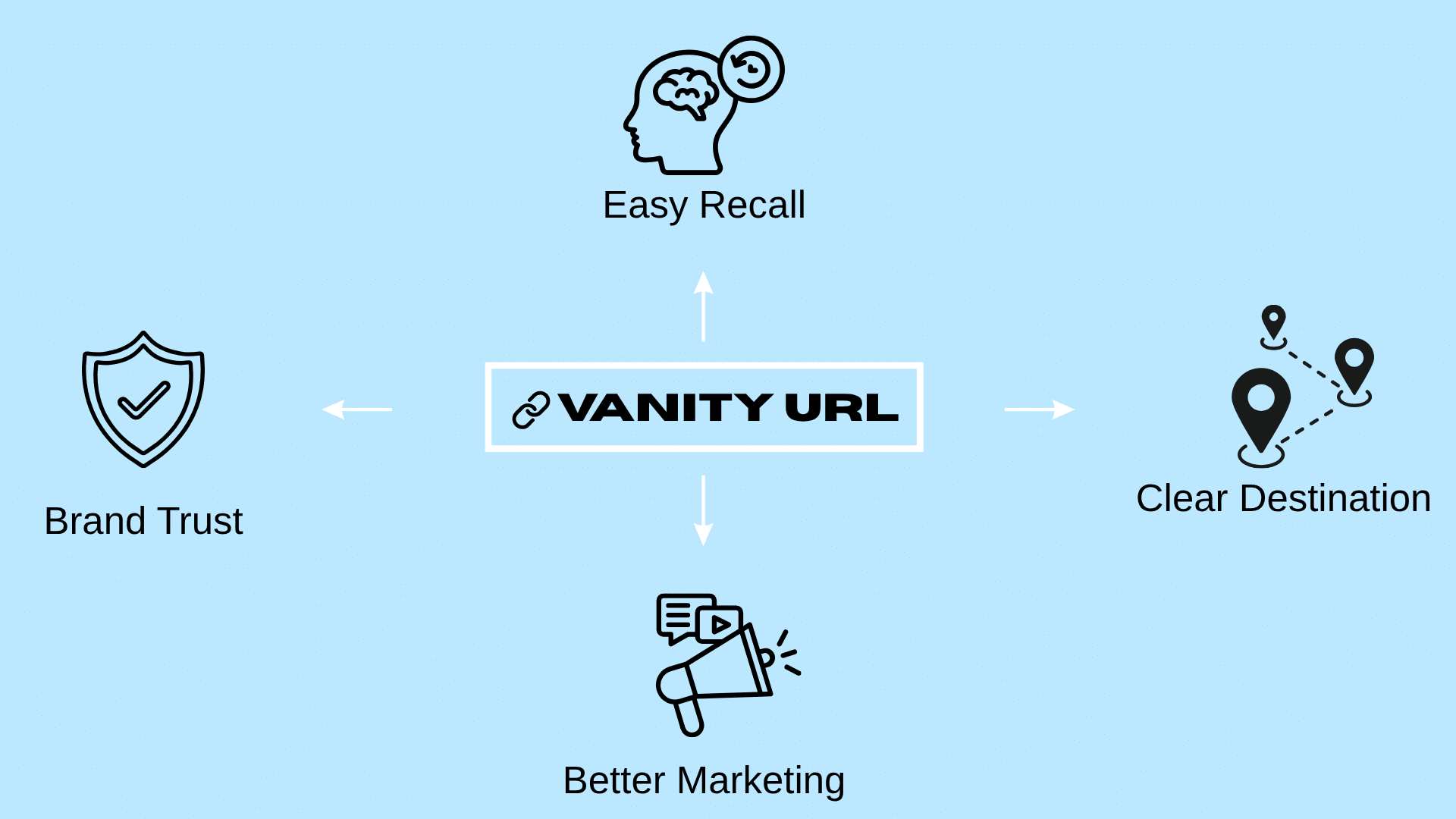
Vanity URLs help businesses present cleaner links, strengthen branding, improve sharing, and track campaign results more accurately.
Stronger Branding and Trust
A branded link such as company.com/pricing is easier to recognize than shortener.com/xG7pQ. It clearly shows who owns the link and what the page contains.
This familiar structure can reduce hesitation before a click. It also makes the link feel like a direct part of the company’s website rather than an unrelated third-party address.
Vanity URLs also keep branding consistent across emails, social posts, ads, presentations, packaging, and printed materials.
Easier to Remember and Share
Short, readable links are easier to say, type, and recall. This makes them useful for billboards, podcasts, flyers, business cards, radio ads, and customer support.
People can remember a simple address after seeing or hearing it briefly. This is especially useful when they cannot click the link immediately and must visit it later.
For example,
company.com/supportis much easier to remember than a long URL with folders and tracking codes.
Clearer Destination Information
A descriptive URL tells users what to expect before clicking.
Examples include:
company.com/pricingcompany.com/webinarcompany.com/free-guidecompany.com/book-demo
The wording should always match the page. A link ending in
/free-trialshould lead directly to a trial page.
Better Marketing and Tracking
Businesses can create separate vanity URLs for different channels, such as:
company.com/podcast
company.com/flyer
company.com/event
Each link can redirect to the same landing page with different UTM parameters.
This helps teams compare traffic, conversions, and campaign performance while keeping the public URL clean.
What Makes a Vanity URL Effective?
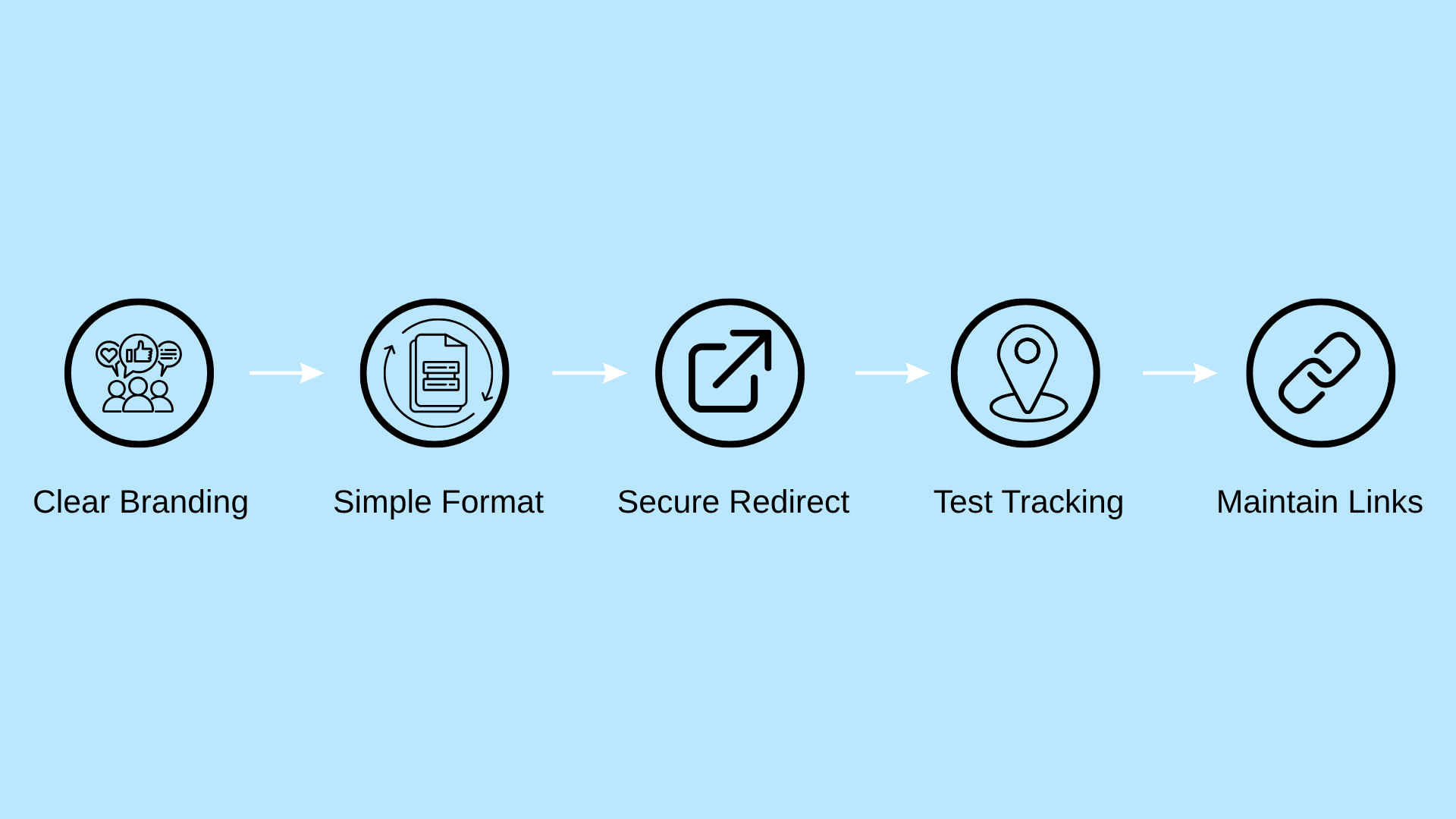
A vanity URL should be clear, secure, easy to type, and connected to the correct destination. These practices help maintain trust, tracking accuracy, and long-term reliability.
1. Keep it Clear and Branded
Use familiar words that explain the page and a domain users can connect with the business.
Clear examples
company.com/contact
company.com/free-trial
go.company.com/offer
The wording should also match the destination. For example, company.com/download-guide should lead directly to the guide rather than a general homepage.
2. Use Simple URL Formatting
Write paths in lowercase and use hyphens to separate multiple words.
Recommended
company.com/summer-sale
Avoid
company.com/SummerSalecompany.com/summer_salecompany.com/summersale
Do not use random numbers, repeated hyphens, special symbols, unnecessary dates, or confusing characters such as zero and the letter O. People should be able to hear the URL once and type it correctly.
3. Secure the Link and Choose the Right Redirect
Every vanity URL should use HTTPS and have a valid SSL certificate. Without it, browsers may display security warnings or prevent users from opening the link.
Use a 301 or 308 redirect when the destination is permanent. Choose a 302 or 307 redirect when the destination is temporary or still being tested.
Avoid redirect chains because they can slow access and create tracking or maintenance problems.
4. Preserve Tracking and Test the URL
A vanity URL can redirect to a longer destination containing UTM parameters.
Public URL
company.com/webinar
Destination
company.com/events/webinar?utm_source=linkedin&utm_campaign=training
Before publishing, check that:
- HTTPS works
- The correct page opens
- Tracking parameters remain intact
- The mobile page loads correctly
- The spelling matches printed materials
- Any connected QR code reaches the same page
Test the final link from the advertisement, email, or document instead of checking it only inside the management platform.
5. Maintain Expired Campaign Links
Do not delete a vanity URL immediately after a campaign ends. People may still find it through old emails, brochures, bookmarks, advertisements, or QR codes.
Redirect the link to an updated campaign, a related page, or a notice explaining that the offer has ended. This prevents broken pages and preserves traffic from older materials.
How to Create a Vanity URL
The setup process varies by platform, but the main steps are similar:
- Choose the domain: Use the main website domain, a branded subdomain, or a separate short domain. The existing company domain is usually the simplest option.
- Select a clear path: Choose a short path that describes the page or action, such as
/demo,/pricing,/summer-sale, or/download-report. Check that the slug is not already in use. - Add the destination URL: Enter the full page address visitors should reach. Place any UTM tracking parameters in the destination URL rather than the public vanity link.
- Configure the redirect: Use a permanent redirect for a stable destination and a temporary redirect when the destination may change.
- Enable HTTPS: Confirm that the domain has a valid SSL certificate. Some platforms handle this automatically, while others require DNS or certificate setup.
- Test the link: Open the vanity URL on desktop, mobile, and a private browser window. Test it from the final email, advertisement, document, or QR code.
- Record and monitor it: Keep a register containing the vanity URL, destination, campaign name, owner, redirect type, tracking values, review date, and current status.
Final Verdict
A useful vanity URL is more than a shortened address. It should identify the brand, describe the destination, work securely, and remain reliable after the original campaign ends.
The strongest links use simple wording, lowercase letters, clear hyphens, HTTPS, and the correct redirect type. They also preserve UTM parameters so teams can measure traffic without exposing a long tracked URL.
Before publishing, test the link on different devices, confirm that the destination matches the wording, and check any connected QR code or printed material.
I also recommend recording each vanity URL, its owner, purpose, redirect, and review date.
This small management step prevents duplicate slugs, broken campaigns, and outdated destinations while helping businesses maintain consistent, trustworthy links across every channel.
Frequently Asked Questions
Does a Vanity URL Need a Separate Domain?
No. A business can create a vanity URL using its existing domain, such as company.com/demo. A separate domain or subdomain is optional.
Can Vanity URLs Help With SEO?
A readable URL can help users understand and share a link, but a redirect-only vanity URL is not a direct ranking shortcut. Correct redirects and a clear destination page remain more important.
Can a Vanity URL Point to Another Website?
Yes. A vanity URL can redirect to another domain. The destination should still be relevant, secure, and consistent with what the link wording promises.