


Have you ever quickly paid a bill from your phone or spotted a scam text message before clicking the link? Those small daily habits are actually part of something much bigger.
We rely on our screens for almost everything today, from staying in touch with friends to completing work tasks. But knowing how to click around an app is only the start.
True digital literacy means understanding how to use these tools safely and smartly. In this guide, I will break down exactly what this means and why it matters so much.
You will learn the core components, see clear examples of these skills in action, and find easy ways to improve your own online habits.
What is Digital Literacy?

Digital literacy goes beyond just using basic apps. It is your ability to safely find, create, and share online content while protecting private data. It means you control your technology instead of letting it control you.
A Simple Definition of Digital Literacy
At its core, digital literacy simply means you know how to use internet tools to your advantage while staying safe. Think of traditional literacy as knowing how to read and write with a physical book.
Digital literacy applies that same concept to screens. It is your ability to read an online article, understand its purpose, and share it properly.
You also need to know how to create your own digital content, such as typing an email or creating a spreadsheet, without compromising your personal safety.
Why Digital Literacy Matters Today
Having these digital skills matters because almost every part of our daily routine now happens online.
From applying for jobs to managing bank accounts, you need internet knowledge to function in today’s society.
In the workplace, employers expect you to understand basic software, communicate through digital channels, and protect company data.
Outside of work, these skills help you keep your family safe from online scams and cyber threats. Ultimately, understanding how technology works gives you the confidence to participate fully in a screen-driven world.
Key Components of Digital Literacy
True digital literacy goes beyond scrolling social media. It takes a wide range of skills to stay productive and secure online. Let us break this down into four main areas you can practice.
1. Finding and Evaluating Information
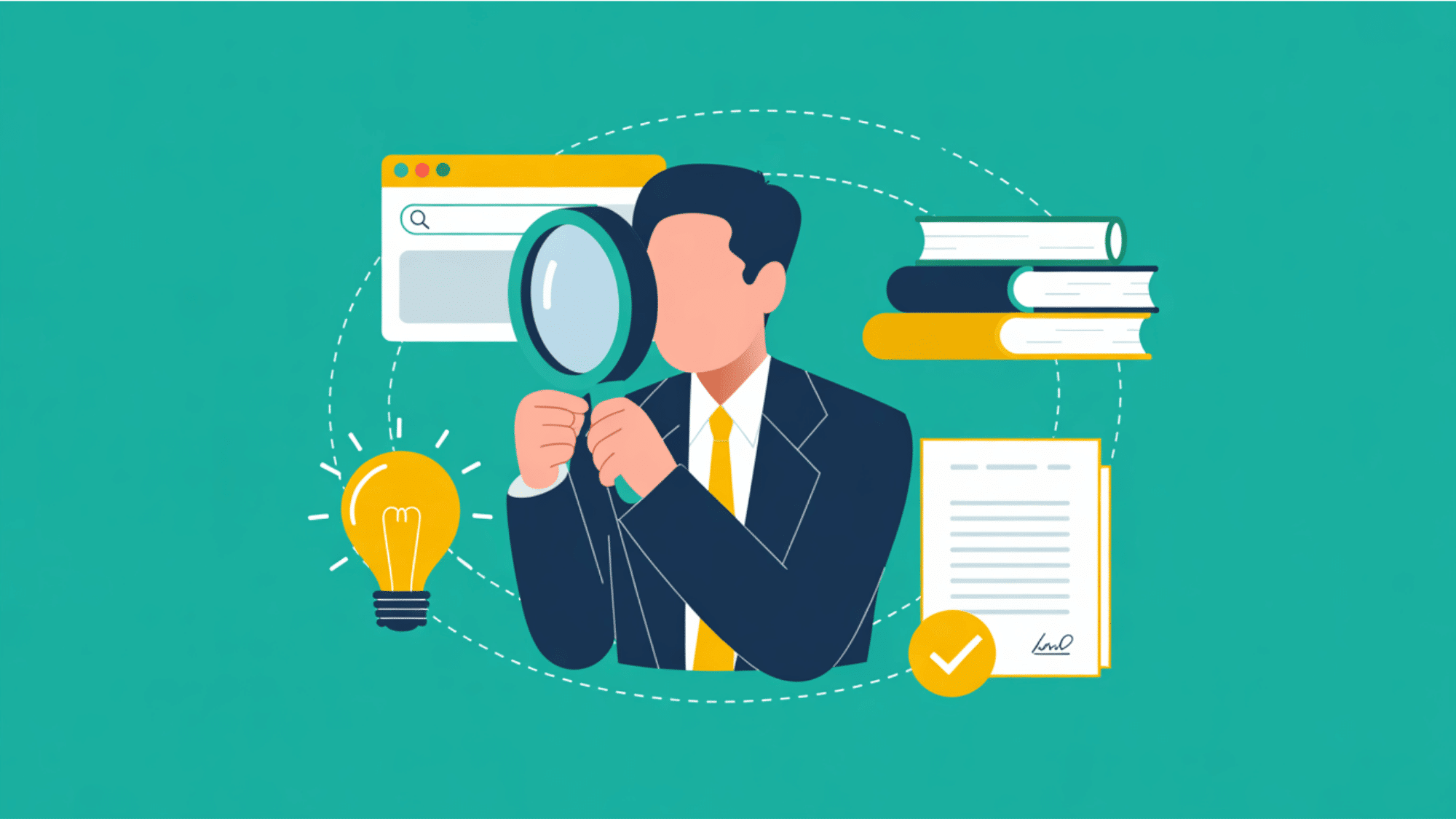
The internet holds a massive amount of information, but not all of it is entirely true. This core component of digital literacy focuses heavily on your ability to find basic facts and accurately assess whether a website is a highly reliable source.
When I read complex articles on international relations theory, I suggest double-checking the author’s background and the publication date before accepting a new claim.
When you clearly know how to easily filter out fake news and bad data, you consistently make much better choices in your daily life and academic work.
2. Communicating and Collaborating Online
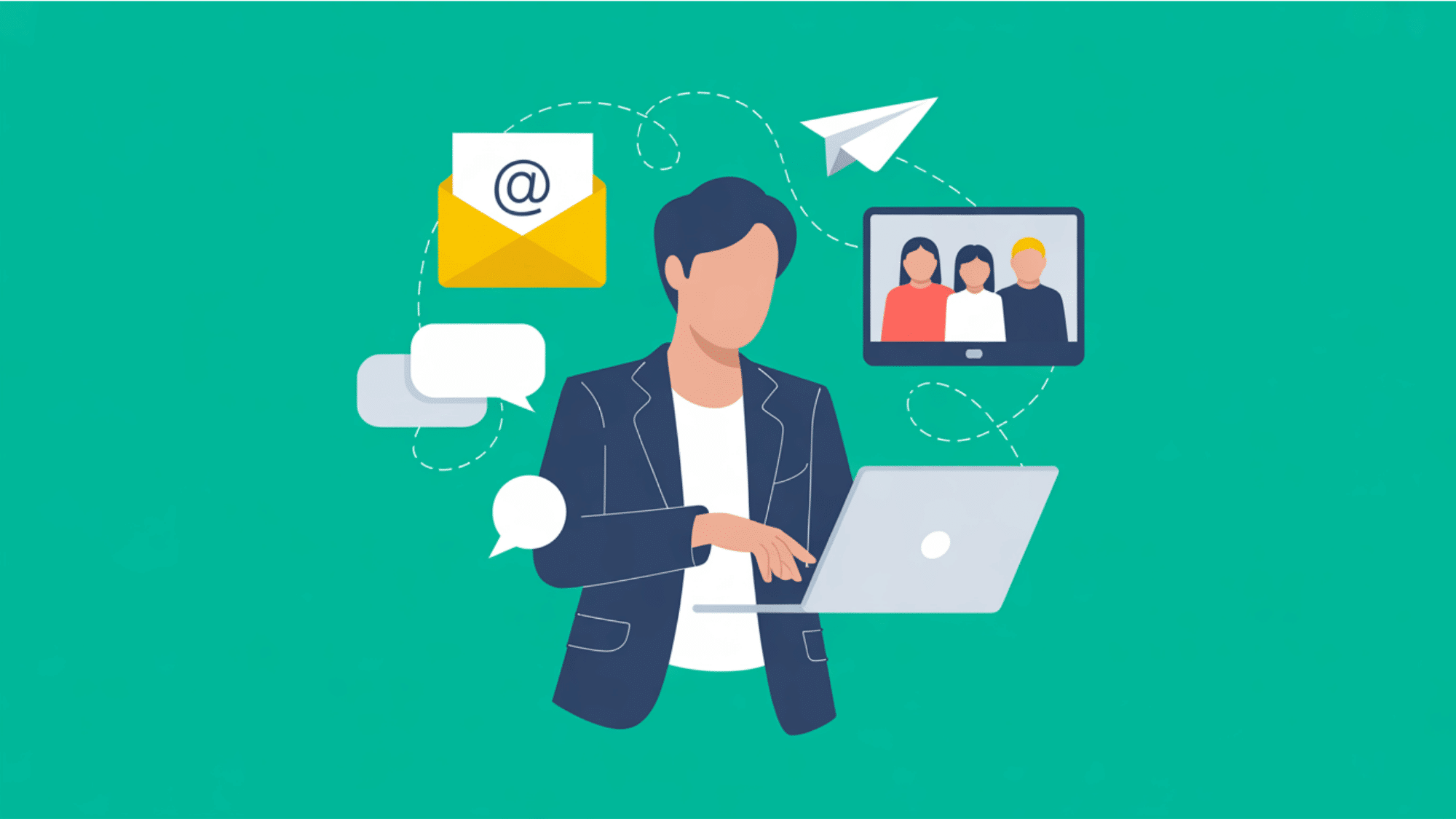
We use screens to talk to coworkers, friends, and family every single day.
This skill is all about choosing the right platform for the right message, like knowing when to send a professional email versus a quick text.
I find that good digital literacy also means sharing files safely and working together on shared documents without causing confusion or accidentally deleting someone else’s hard work.
3. Creating Digital Content
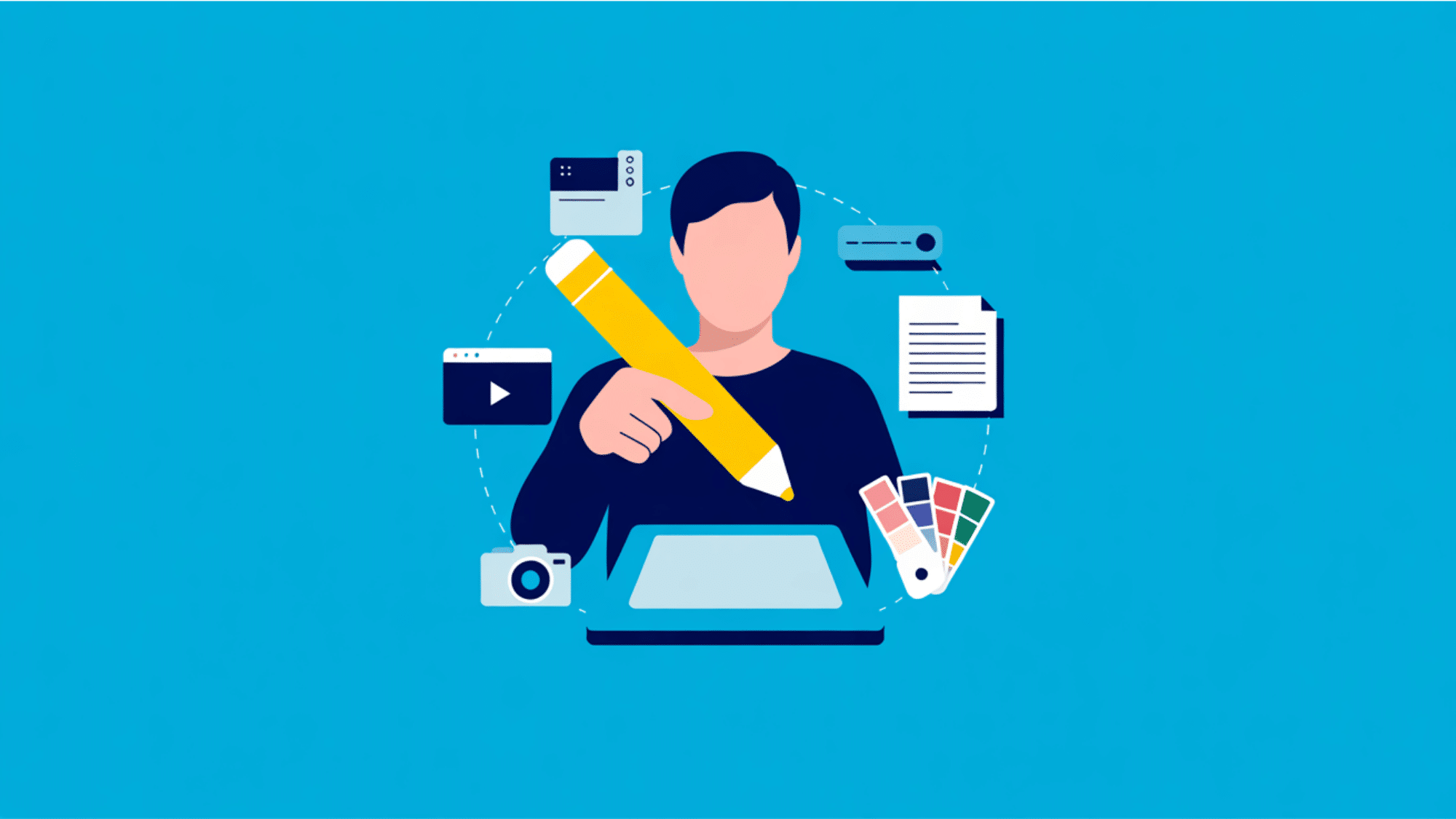
True digital literacy means you can actually create your own content, rather than simply reading what other people post online.
It involves writing text documents, editing modern images, or putting together short videos for your friends and followers.
You certainly do not need to be a professional designer to do this well. I personally rely on simple, everyday software to make clean, highly readable visual files.
This specific habit helps me share my ideas clearly and beautifully with all my regular readers without feeling stuck.
4. Staying Safe and Responsible
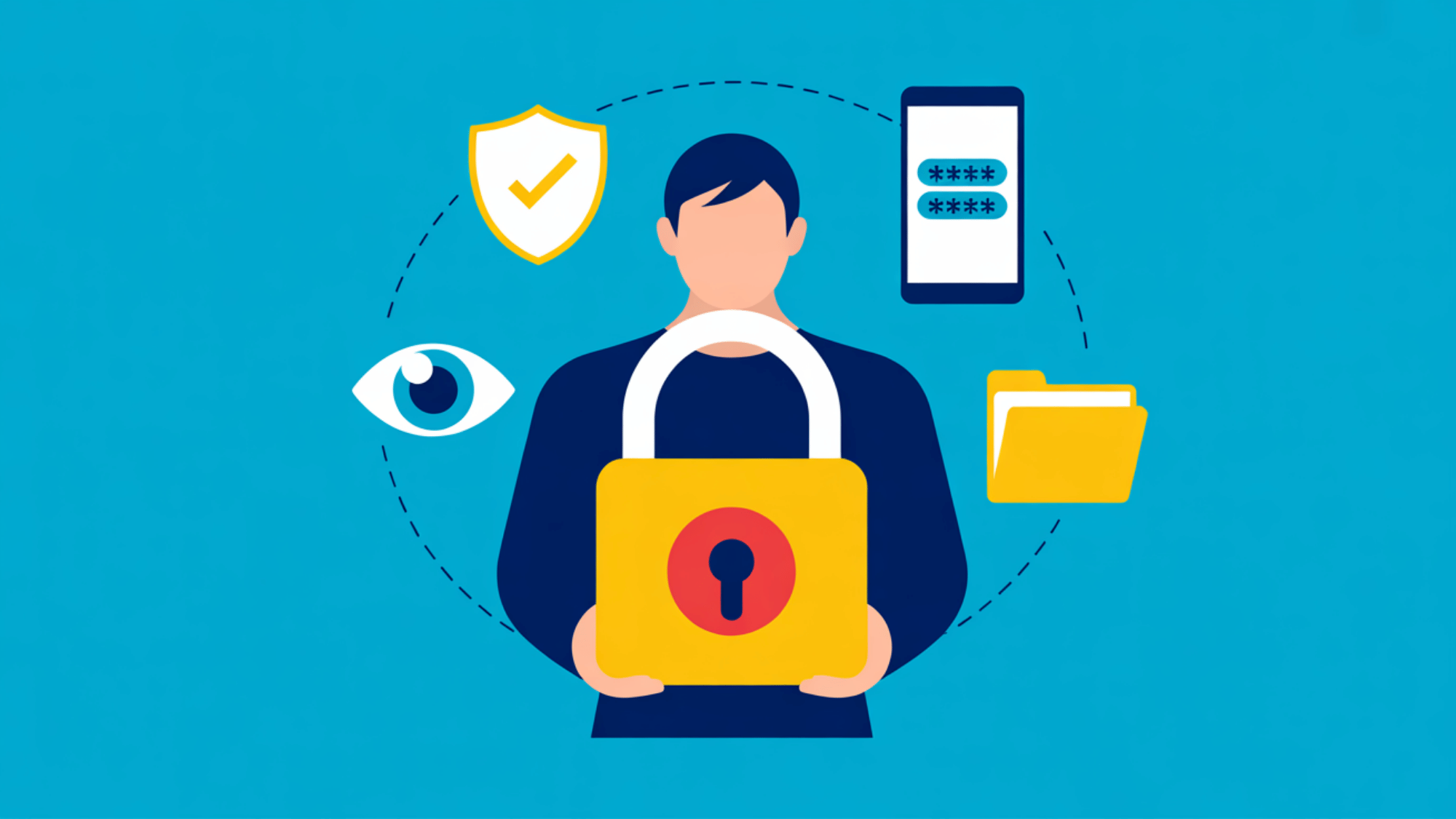
Your online safety is incredibly important in our modern world. This skill area covers protecting your private information, using strong passwords, and understanding basic security settings on your devices.
Digital literacy also includes good digital etiquette, which means treating others with respect online.
Think twice before clicking suspicious links, as protecting your privacy is the best way to enjoy the internet safely.
Everyday Examples of Digital Literacy
Now that we understand the core skills, let us look at some practical examples of digital literacy. You actually use these skills all the time without even realizing it.
Either in organizing your weekly schedule or looking up facts for a new project, digital literacy shows up in completely ordinary situations.
It is not about writing complex code or building a computer from scratch.
It simply means using technology to make your routine smoother and more secure. Recognizing these everyday moments helps you understand exactly where your skills shine and where you might need practice.
Let us look at how these actions appear in different parts of your life:
| At Home | At School Or Work |
| Logging into an online bank account to securely pay a bill | Coordinating a student consulting project using shared online folders and presentation software |
| Choosing a new movie on a streaming application | Running a data classification model for a university assignment |
| Setting up a smart television | Building an econometric regression to analyze data |
| Connecting your mobile phone to a home internet network | Evaluating online academic sources for a research paper on international relations |
| Adjusting the privacy settings on a new mobile application | Identifying reliable online databases and sharing research findings securely with a team |
The Six Levels Of Digital Literacy
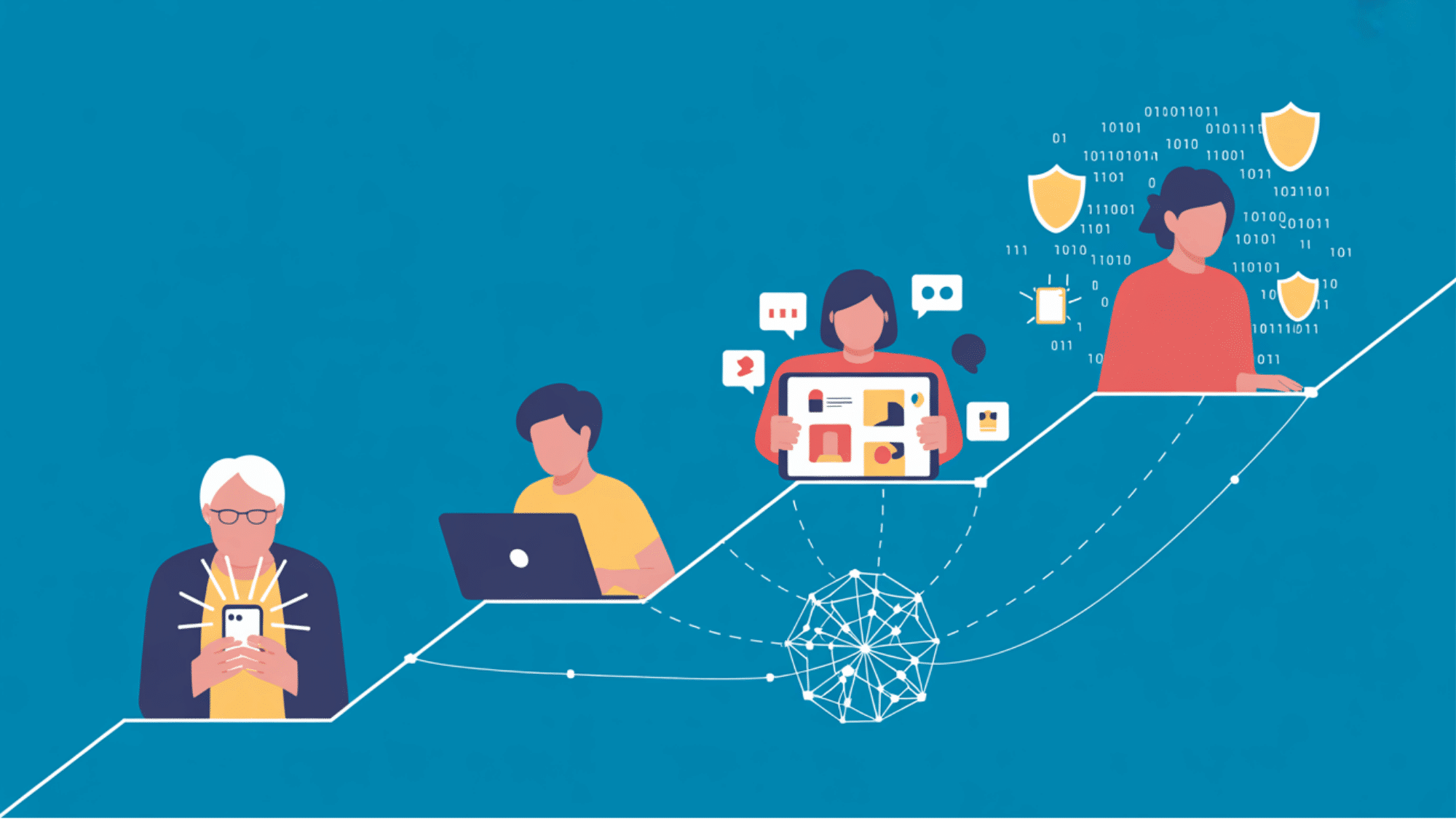
Digital literacy is not a simple switch that you just turn on or off. Instead, people possess varying amounts of knowledge depending on how they use online platforms every single day.
Evaluating your current skill level is the best way to improve your daily internet habits.
Once you clearly recognize where your baseline sits, you can focus on building the exact technical skills you need to succeed.
Let us look at the six major categories that define our connection to the modern internet, ranging from complete beginners to highly advanced experts.
Level 1: The Absolute Beginner
This category includes individuals who use technology only for the most basic personal tasks. For instance, grandparents often sit at this stage when they learn to check text messages or view family photos online.
You understand how to turn on a device, tap through simple applications, and answer a video call.
While you can handle these everyday requirements, you might still feel completely stuck when a software update pops up on your screen.
Common Mistakes To Avoid:
- Passwords: Reusing the exact same simple password for every single account.
- Pop-ups: Clicking on bright, flashing warnings that appear on your screen.
- Oversharing: Posting personal details like your home address on public social media pages.
Threats:
- Fake tech support phone calls demanding immediate payment.
- Text messages claiming you won a large lottery or prize.
- Emails from unknown senders requesting urgent financial assistance.
Level 2: The Functional User
At this stage, you know how to perform essential daily tasks without constantly asking for help.
Functional users can easily search for information, send a professional email, and fill out online forms securely. I find that most people reach this level when they start applying for jobs or managing their bank accounts online.
You understand basic password security and know how to connect your personal laptop to a home wireless network with minimal frustration.
Common Mistakes To Avoid:
- Updates: Skipping important software updates for your mobile phone or computer.
- Storage: Saving sensitive passwords openly in your web browser without extra protection.
- Trust: Believing every online store link you see on social media feeds.
Threats:
- Fake bank alert emails asking you to confirm your login details.
- Online shopping scams with deals that look too good to be true.
- Fake job offers that ask you to pay a fee before starting.
Level 3: The Digital Collaborator
This level represents the modern office worker or dedicated university student. You know how to work together with a remote team using shared cloud folders, video conferencing, and team messaging applications.
I notice that digital collaborators can quickly organize online meetings and safely share large files.
You understand proper online etiquette and know exactly how to communicate professionally across different internet platforms, making you a highly valuable asset in any standard workplace.
Common Mistakes To Avoid:
- Mixing Files: Using your personal accounts to store private company documents.
- Emails: Hitting the “reply all” button while discussing sensitive or confidential information.
- Hardware: Leaving your work laptop open and unattended in a public coffee shop.
Threats:
- Emails pretending to be your boss asking you to quickly buy gift cards.
- Accidental data leaks caused by sharing the wrong cloud folder link.
- Phishing links sent directly through team messaging applications.
Level 4: The Content Creator
Regular bloggers, writers, and social media managers sit firmly within this middle tier of internet usage. At this stage, you not only consume online information but also understand how to produce clear media yourself.
You can easily manage digital files, edit basic images, and build website posts.
Developing a strong understanding of these creative components helps you share your voice clearly and stand out in a highly competitive digital market.
Common Mistakes To Avoid:
- Copyright: Using other people’s images or music without checking the legal rules first.
- Storage: Forgetting to regularly back up your large video files or written articles.
- Security: Using weak recovery options for your primary social media accounts.
Threats:
- Targeted hacking attempts to steal or hold your social media accounts hostage.
- Fake brand sponsorship emails containing hidden computer viruses.
- Copyright strikes that can quickly take down your hard work.
Level 5: The Technical Problem Solver
People at this level do not just use software; they know how to fix it when things go wrong. IT support staff and technical managers fit perfectly into this category.
You can set up secure networks, troubleshoot hardware issues, and safely recover lost data.
When a platform breaks down, I rely on technical problem solvers to diagnose the error and get systems running smoothly again while protecting the company’s private information from external threats.
Common Mistakes To Avoid:
- Shortcuts: Bypassing standard security steps just to finish a technical task faster.
- Patching: Delaying critical security updates for your main office network.
- Assumptions: Assuming all your team members naturally know how to spot an online scam.
Threats:
- Ransomware attacks aimed directly at the company servers you manage.
- Highly targeted phishing emails designed specifically to trick IT professionals.
- Simple human errors caused by screen fatigue and long working hours.
Level 6: The Advanced Expert
Software engineers, data scientists, and cybersecurity professionals represent the highest tier of online knowledge. People at this level understand the deep mechanics behind the software programs and online tools we rely on daily.
You can write custom code, build machine learning models, and stop major cyber attacks before they happen.
Mastering these advanced capabilities ensures that you can build entirely new digital platforms from scratch and keep sensitive data completely secure.
Common Mistakes To Avoid:
- Confidence: Assuming your custom-written code is completely safe from outside hackers.
- Basics: Ignoring simple internet safety rules because you feel you are too advanced for them.
- Reviewing: Overlooking small flaws in massive data systems due to tight project deadlines.
Threats:
- Complex attacks hidden deep inside third-party software updates.
- Advanced hacking attempts targeting your highly privileged access codes.
- Zero-day exploits that attack newly discovered software weaknesses before you can fix them.
Digital Literacy and the Digital Divide
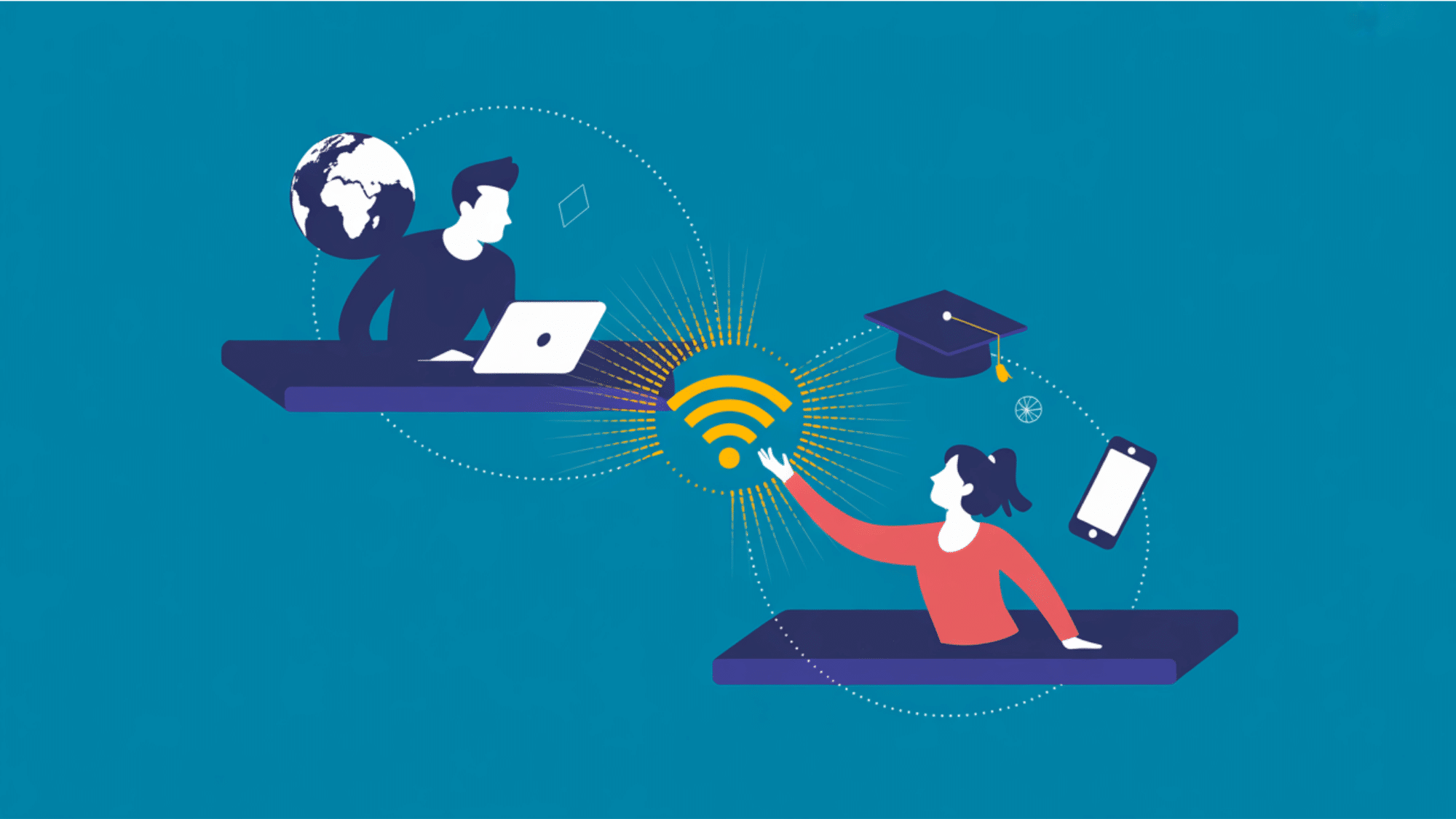
I often notice that not everyone has the same access to the internet. This gap between those with reliable access to technology and those without is known as the digital divide.
When people lack basic devices or stable connections, they miss out on important online resources. This is exactly why spreading digital literacy is so important right now.
If we teach these skills widely, we give more people a fair chance to succeed. I believe that knowing how to find information and stay safe online should be a basic right.
How to Increase Digital Literacy
Often, building these technical skills requires patience and a strong community effort. Here are six simple ways we can help others improve their digital literacy:
- Training: Local libraries often offer free computer classes for beginners. I highly recommend checking their daily schedules.
- Mentoring: You can easily pair younger tech users with older adults. This helps seniors learn basic internet skills faster.
- Access: We must provide affordable internet to low-income families. Having a reliable connection is the first step.
- Practice: Encourage beginners to use safe applications daily. Regular use slowly builds long-term computer confidence.
- Safety: Teaching people how to spot fake emails is very important. This simple habit keeps their private data secure.
- Support: Communities should set up local tech help desks. Beginners need a friendly place to ask simple questions.
Final Takeaways
Understanding how to use technology safely does not have to feel overwhelming.
By reviewing these everyday digital literacy examples, you can easily spot which skills you already use and where you might need a little extra practice.
Whether you are setting up a secure password at home or evaluating a website for school, mastering these basics keeps your personal information safe and makes your daily routine much smoother.
I hope this breakdown gives you the confidence to use your devices securely and protect your private data.
Try these tips today by checking the privacy settings on your favorite application, or share this guide with a friend who wants to improve their online habits!
Frequently Asked Questions
How is Digital Literacy Different from Regular Literacy?
Regular literacy focuses on reading and writing printed text. Digital literacy applies these basic skills to screens, adding online safety and software usage to the mix.
What is a Good Example of a Digital Footprint?
A digital footprint includes your social media posts, online purchases, and browser history. Leaving positive comments and protecting your personal data help keep your footprint clean.
How Can I Test My Current Digital Skills Online?
You can take free online quizzes through local library websites or trusted educational platforms. These short tests quickly identify your strengths and areas needing improvement.
Does Digital Literacy Require Knowing How to Code?
No, you do not need to know how to code. Basic digital literacy simply requires understanding how to safely use everyday software, websites, and applications.